
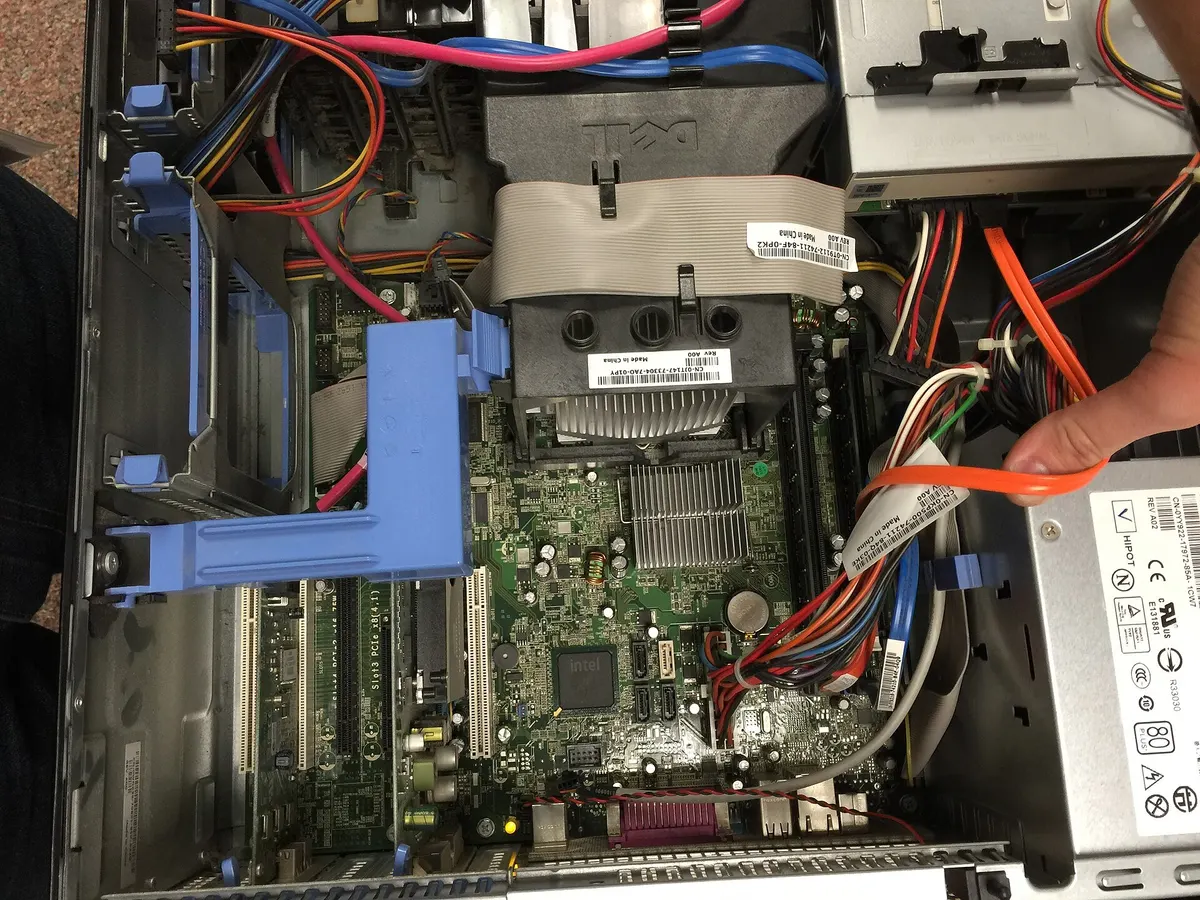
Dust is the persistent enemy of any personal computer, clogging cooling vents and accumulating between heatsink fins to make it harder for fans to maintain safe temperatures. While standard cleaning instincts point toward using a household vacuum, doing so inside a PC creates serious risks to sensitive and expensive internal components.
Household vacuums generate static electricity as dust and particles rush through plastic hoses, which can easily transfer an electrostatic discharge into a computer and ruin delicate parts. Alongside this unseen electrical danger, standard vacuums are clumsy tools that can physically damage circuit boards, bend heatsink fins, or over-spin cooling fans.
What happened
When dust builds up inside a computer case, users naturally look for tools to clean it out, often reaching for a household vacuum cleaner. However, walking across a carpet and touching metal creates an electrostatic discharge, and a similar buildup occurs when debris travels through a vacuum hose, particularly around plastic parts. Bringing that charged nozzle close to internal PC components allows the electricity to jump into the hardware. Even a discharge too small for a human to feel can instantly damage or degrade sensitive microprocessors and circuit boards. Beyond static, a vacuum cleaner is a bulky and clumsy instrument inside the tight confines of a PC case. Its hard nozzle can strike delicate circuit boards, snap off connectors, catch on wires, or strip loose screws right out of the chassis. Furthermore, the suction can force cooling fan blades to spin rapidly, putting unnecessary mechanical stress on the bearings and risking physical damage. Laptops present an even tighter workspace where users cannot see internal obstacles or easily hold fans still against the suction. The only exception to the rule is a specialist vacuum specifically designed with materials that allow static charges to safely dissipate and ground instead of accumulating around the nozzle.
Why it matters
Computer hardware, particularly high-end gaming rigs and specialized workstations, represents a significant financial investment. Electrostatic damage does not always cause immediate, obvious failure; it can quietly degrade a component and cause reliability issues down the line without the user initially realizing it. Because there is no way to predict whether a vacuum cleaner will cause a catastrophic failure or escape with no visible harm, taking the risk is rarely worth it.
The background
Computers rely on fans and heatsinks to dissipate heat generated by processing units and graphic cards. Over time, these cooling systems pull in ambient air containing dust, pet hair, and other microscopic debris. As this buildup restricts airflow, systems run hotter and risk thermal throttling or permanent hardware degradation. Cleaning the interior becomes necessary maintenance, but standard household cleaning tools are built for carpets and floors rather than microelectronics.
What happens next
Users are advised to avoid household vacuums entirely and instead switch off and unplug their computers before cleaning. Safer alternatives include using a can of compressed air or an electric air duster specifically designed for electronics to safely blow out trapped dust.
- Bringing a household vacuum cleaner inside a computer case risks static electricity and physical damage.
- Friction from dust traveling through a vacuum hose builds up electrostatic discharge capable of frying sensitive microelectronics.
- Forcing cooling fan blades to spin rapidly under vacuum suction can strain and ruin their internal bearings.
- Safe alternatives for cleaning out dust include using a can of compressed air or an electric electronics duster.