
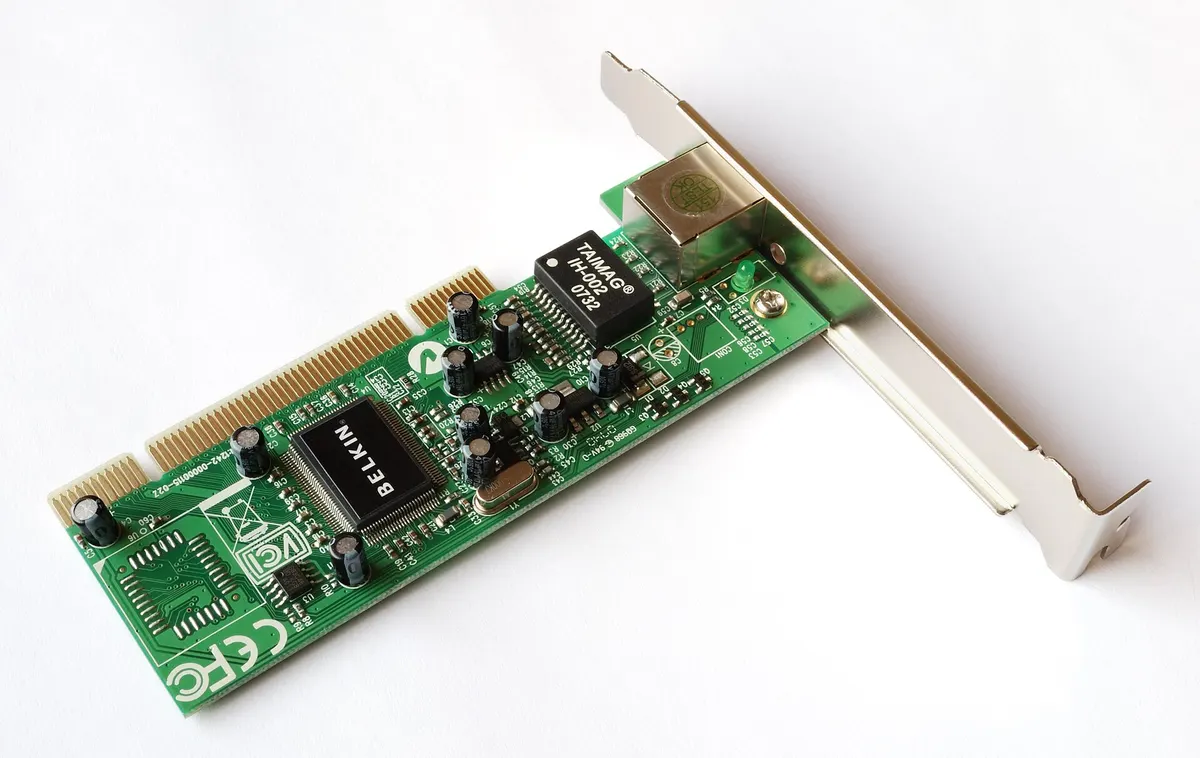
Your internet connection relies on unique numerical labels called IP addresses to let your network interface and remote servers communicate. When you connect to the internet, your Internet Service Provider assigns a unique public IP address to your router's Wide Area Network port. This public address is what allows you to access the internet and lets the internet find your location.
Meanwhile, the various gadgets in your home, such as smartphones, computers, and smart home hardware, connect to your router using private IP addresses. These devices can communicate with each other locally, but they cannot directly access the internet without routing through the public address.
What happened
When a home network is set up, the router assigns a unique private IP address to every connected gadget. You can think of the public IP address as a house address and the private IP addresses as individual apartment numbers inside that building. Devices outside your local network cannot communicate directly with a private IP address, which prevents outside devices from sending commands to internal hardware like your home printer.
To allow multiple devices to share a single public IP address when accessing the internet, routers use a mechanism called Network Address Translation. This technology manages communication between your internal private network and the broader internet. While home networks typically use private IP ranges starting with 192.168, the Internet Assigned Numbers Authority has also reserved the 10.0.0.0 and 172.16.0.0 ranges for larger organizations.
Finding these addresses can help with troubleshooting connection problems. You can find your public IP address using online checker tools like WhatIsMyIPAddress or ifconfig.me from any browser-connected device. Private IP addresses can be found by inspecting your router's control panel or by running specific diagnostic commands on your computer, such as ipconfig on Windows or ipconfig getifaddr on macOS, or by checking the network settings menu on mobile devices.
Why it matters
Recognizing the difference between public and private IP addresses helps users troubleshoot network issues effectively without guessing blindly. If a device has an unusual Automatic Private IP address starting with 169.254 instead of the standard range, it indicates the device failed to receive an address from the router. Knowing this lets you focus your investigation on the router or your Internet Service Provider rather than tearing down the entire network chain.
Additionally, private IP addresses provide a layer of security for both residential and corporate networks. Because private addresses cannot be seen outside the local network, it becomes significantly harder for external hosts to connect directly to internal systems.
The background
Internet Protocol addresses were originally created as part of the IPv4 32-bit addressing system, which theoretically supports nearly 4.3 billion unique IP addresses. Initially, it was believed this capacity would be completely adequate for all future uses. However, as the production and adoption of internet-connected devices exploded, it became clear that IPv4 supplies would eventually run out.
Private IP addressing and Network Address Translation were introduced to help fill this gap by allowing multiple devices to reuse the same pool of private addresses behind a single public router connection. Later, a brand new addressing system called Internet Protocol Version 6, or IPv6, was introduced to vastly expand available address lengths to 128 bits, creating a system exponentially larger than IPv4.
What happens next
As the world continues to transition toward IPv6 to accommodate the growing number of smart devices and connected hardware, the foundational reliance on routers and Network Address Translation remains a staple of modern networking. Network administrators and residential users alike will continue using these diagnostic commands and private ranges to manage local traffic and secure their connections.
- Public IP addresses identify your network on the internet while private IP addresses identify individual devices.
- Network Address Translation allows multiple devices on a private network to share a single public IP address.
- Running specific commands like ipconfig helps locate a computer's private IP address during troubleshooting.
- Unusual IP ranges like 169.254 indicate a device failed to receive its proper address from the router.