
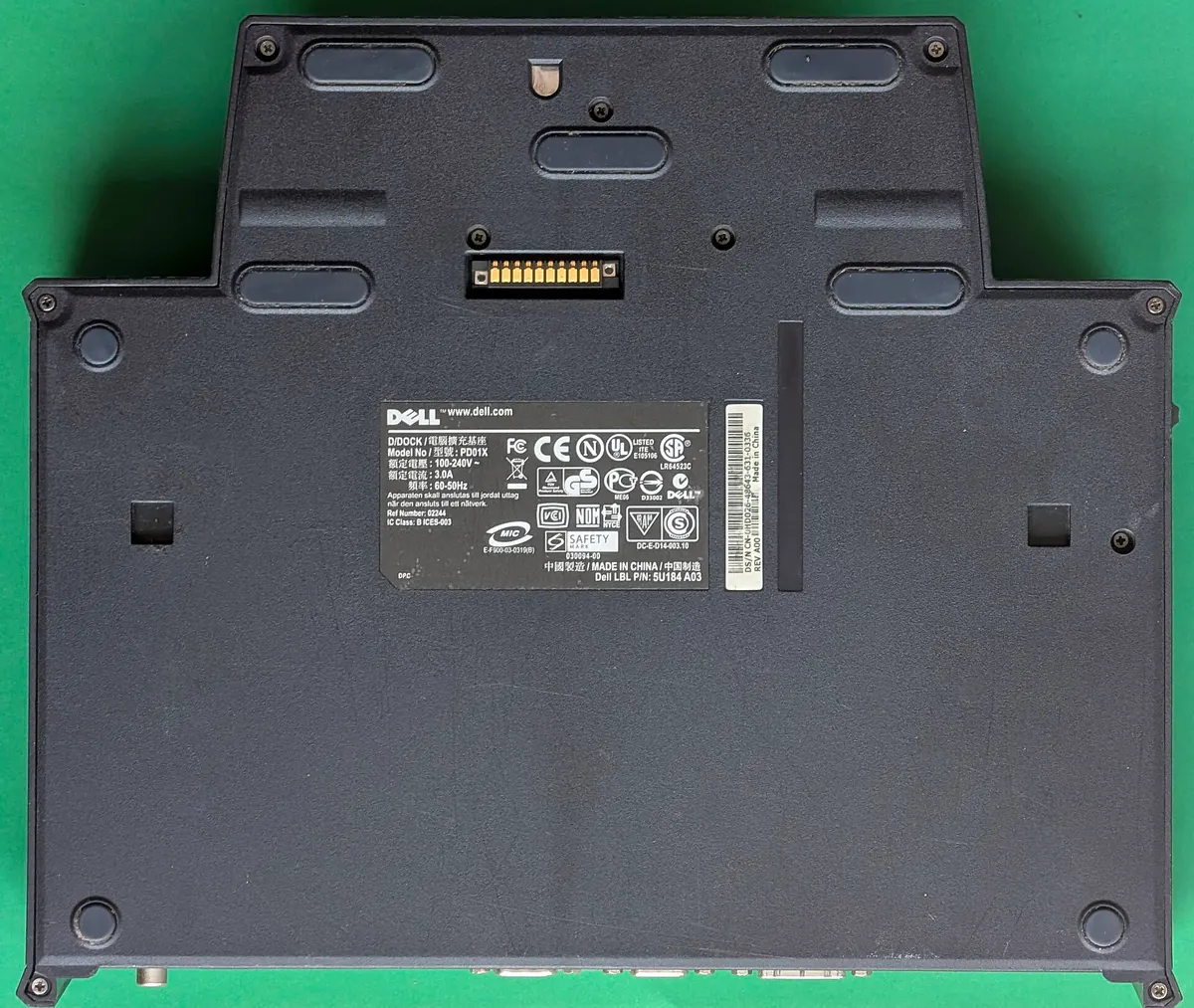
Modern laptops are increasingly designed for portability, resulting in thinner bodies that sacrifice physical connection ports. For users who want to maintain a full desktop experience, a docking station serves as a centralized hub to bridge the gap between a mobile computer and a stationary workstation.
A docking station functions as an intermediary device that connects to a laptop via a single USB-C cable. This setup allows users to instantly link multiple monitors, keyboards, mice, webcams, and external storage drives without the need to manage individual cords every time they arrive at or leave their desk.
What happened
Docking stations act as a bridge, transforming a laptop with limited connectivity into a comprehensive workstation. By plugging a single cable into the laptop, the device gains access to a variety of ports, including HDMI or DisplayPort for external monitors, Ethernet for stable internet, and additional USB ports for peripherals. Unlike simpler USB-C hubs, which are generally more compact and limited in functionality, docking stations often include their own dedicated power adapters. This allows them to charge the laptop while simultaneously powering connected devices. High-end models, such as those utilizing Thunderbolt 4 or 5 and USB4 technology, offer superior bandwidth capable of supporting multiple high-resolution displays, high-speed networking, and significant data transfer rates. These advanced units can cost upwards of $400, whereas basic hubs are typically available for $30 to $150.
Why it matters
For power users, the primary benefit of a docking station is the reduction of desk clutter and the simplification of the daily workflow. By centralizing connections, users avoid the repetitive strain of plugging and unplugging multiple cords, which protects the laptop's own ports from physical wear over time. Furthermore, the ability to support multiple 4K displays at high refresh rates significantly increases screen real estate, which is essential for tasks like video editing, spreadsheet management, and multitasking. The efficiency gained by using a single-cable solution ensures that a laptop remains a portable tool while retaining the power of a stationary desktop machine.
The background
USB-C is a standardized connector designed to transmit both data and power through a single interface. However, not all USB-C ports are identical. For a docking station to function correctly, a laptop's port must support specific standards, such as DisplayPort Alt Mode, Thunderbolt, or USB4, to transmit video signals. Additionally, the dock must be capable of Power Delivery pass-through at the wattage required by the specific laptop model. If these technical requirements are not met, the docking station may fail to charge the laptop or display content on external monitors. This complexity means that compatibility varies significantly between different laptop brands and hardware generations.
What happens next
As laptop manufacturers continue to prioritize thin designs, the demand for external connectivity solutions is expected to grow. Industry developments are currently focused on higher-bandwidth standards like Thunderbolt 5, which allow for even greater data throughput and power delivery. Potential buyers should verify their laptop's port specifications against the dock's requirements, particularly regarding power wattage and video output capabilities, before making a purchase. It remains an open question how future port standards will evolve, but the industry is currently trending toward more integrated, high-speed, and multi-functional docking solutions.
Key takeaways
- A USB-C docking station is a box that connects to your laptop through a single USB-C cable and gives it a full set of ports.
- High-end models, such as those utilizing Thunderbolt 4 or 5 and USB4 technology, offer superior bandwidth capable of supporting multiple high-resolution displays.
- Plugging and unplugging several cables over and over puts strain on the ports, and a dock takes that job over.
- Not every dock works with every laptop, as the dock needs to support Power Delivery pass-through at your laptop's required wattage.