
Experiencing a sudden loss of mobile service while your SIM card remains installed can be stressful, but it often stems from minor hardware misalignment, software glitches, or temporary network issues. Rather than assuming the worst about your device, a systematic approach to troubleshooting can usually resolve the connection failure.
A SIM card is your phone's direct link to your mobile provider, authorizing calls and texts. When errors arise, basic fixes such as re-seating the card, checking for carrier outages, toggling airplane mode, or performing a network reset can restore full functionality.
What happened
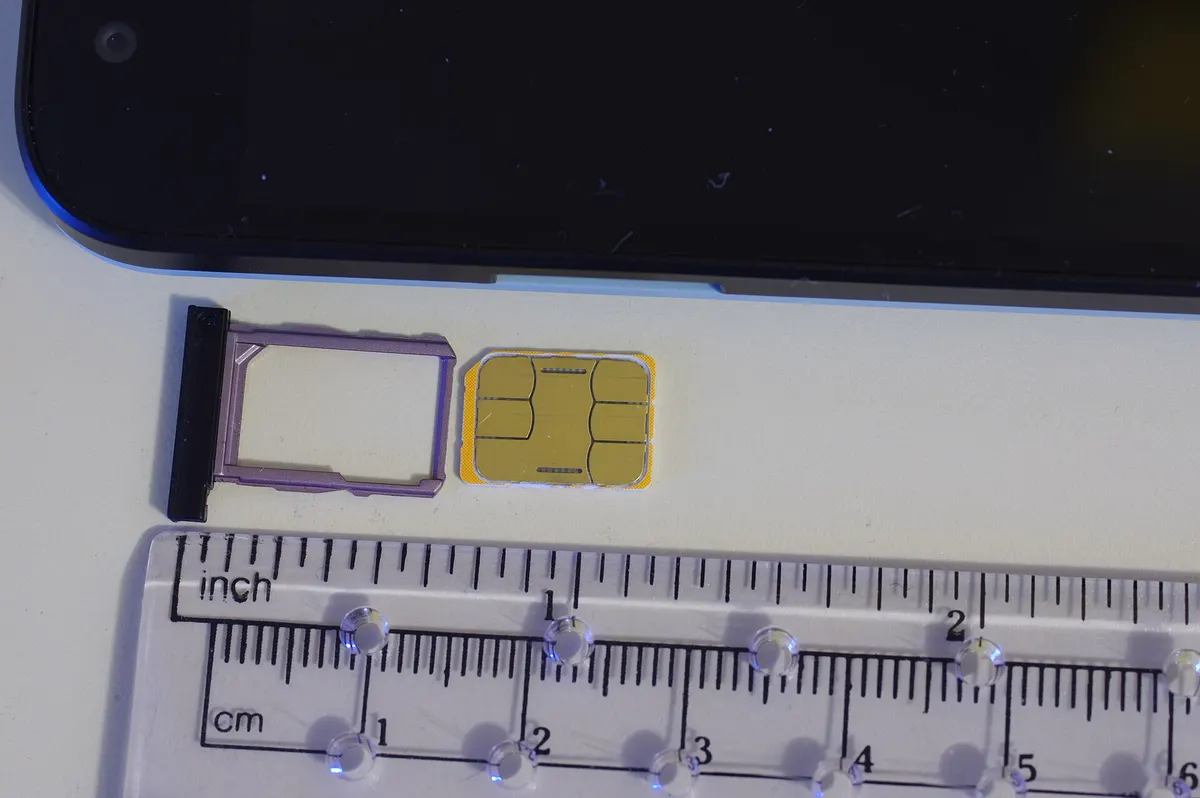
A SIM card error typically prevents your phone from making calls or sending text messages, though the device itself powers on and otherwise functions normally. One frequent cause is a physically unseated card, often triggered by dropping the device. Using a SIM ejector tool, a paper clip, or a safety pin allows you to remove the card and put it back in to secure the connection.
Beyond physical placement, software glitches can disrupt connectivity. Toggling airplane mode on and off can force the phone to reconnect to local cell towers. If that fails, performing a network reset clears out corrupted configurations. On an iPhone, this option sits within the Transfer or Reset section of Settings, whereas Android devices house it under Reset Options. Note that a network reset requires you to sign back into your Wi-Fi networks.
Users utilizing an embedded digital SIM, known as an eSIM, may run into unique connectivity hiccups, particularly during international travel. Adjusting data roaming settings or locating the eSIM controls in the device menus—found under Cellular or Mobile Data on iPhones and the SIM Manager on Android—can resolve these glitches. Finally, administrative issues like a missed bill payment will cause a carrier to suspend service.
Why it matters
Cell phones serve as essential tools for daily communication, emergency access, and professional tasks. Losing network connectivity unexpectedly disrupts daily life, leaving users isolated without prior warning. Understanding how to diagnose whether the problem stems from a loose physical card, a local carrier outage, or an inactive account empowers users to fix minor issues immediately without paying for professional repairs.
The background
SIM stands for Subscriber Identity Module. For years, mobile network access relied entirely on physical plastic cards inserted into a dedicated tray on the device. These cards securely store the subscriber identity data required by mobile network operators. More recently, technology has shifted toward eSIMs, which are built directly into the phone's hardware and provisioned digitally, removing the need for a physical swap when changing carriers or traveling abroad.
What happens next
Troubleshooting steps outlined in the reports offer immediate fixes for common connection errors. If physical re-seating, software resets, and billing verifications fail to restore service, the issue may stem from deeper hardware damage within the phone's internal components or a permanent failure of the SIM card itself, requiring assistance directly from your mobile carrier.
Key takeaways
- Your SIM card acts as a direct link between your device and your mobile provider to safely authorize calls and texts.
- A SIM error can often be fixed simply by taking the card out and putting it right back in.
- Toggling airplane mode on and off is a common software-level fix that forces your phone to refresh its connection.
- Checking your online account for missed payments ensures your service has not been suspended by your carrier.