
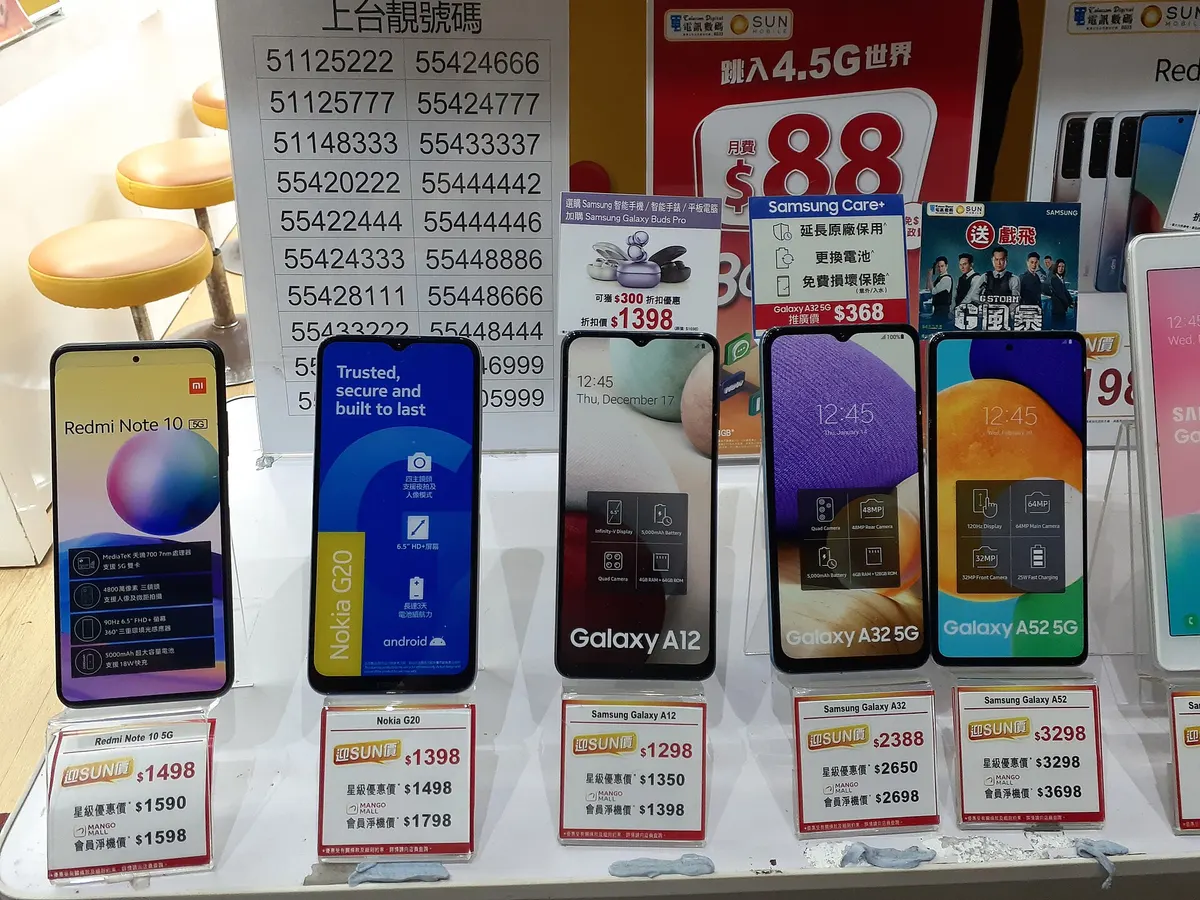
Folding smartphones are heavily marketed as productivity machines, with split-screen multitasking cited as one of their primary selling points. However, users do not need to spend close to $2,000 on a foldable device to use two apps at the same time. Traditional slab-style Android phones already include built-in features to run multiple applications simultaneously.
While foldables can accommodate three or more apps at once, standard Android devices easily manage two apps side by side and support floating windows. These multitasking tools are available on modern devices out of the box, though activation steps and features vary by manufacturer.
What happened
Split-screen multitasking has been part of the Android operating system for a decade, tracing back to Android 7.0 Nougat released in 2016, and even appearing earlier in Android 6.0 Marshmallow with root access. On most modern smartphones from brands like Google, Samsung, and Motorola, users can activate split screen through the recent apps switcher. This menu is accessed by swiping up from the bottom of the screen and holding, or by tapping the physical Recents navigation button. By tapping an app icon and selecting Split Screen, users can choose a second app to open alongside the first, adjusting the shared space using a central divider.
In addition to split screens, modern Android phones support floating windows, allowing users to view and interact with an extra app on top of their current screen without splitting the display. Different manufacturers use distinct names for this feature, such as Bubbles or the Pixel-specific feature that collapses into chat heads, Pop-up view on Samsung devices, and Floating Windows on OnePlus and Oppo hardware. Some devices can even run two apps in split screen view while maintaining a third app in a floating window.
App compatibility remains a minor hurdle, as certain applications still do not support multiwindow setups, causing the split view option to appear greyed out or missing. Users can sometimes resolve this by updating apps through the Play Store. Alternatively, a hidden workaround exists within the Developer Options menu through the Force activities to be resizable toggle, which attempts to force unsupported apps into split-screen mode, though results vary by device.
Why it matters
Smartphone users often encounter marketing that ties advanced software features exclusively to premium hardware like folding phones. Understanding that standard slab-style phones already possess robust multitasking capabilities prevents unnecessary upgrades. People can efficiently handle tasks such as referencing notes while messaging or watching a video while browsing without purchasing costly specialty hardware.
The background
Android is a mobile operating system developed by Google, powering the vast majority of non-Apple smartphones worldwide. Over the years, Android has evolved to support larger screens, foldables, and varied form factors. Multitasking features like multiwindow views migrated from experimental developer options into mainstream consumer software as mobile processors grew powerful enough to run demanding apps concurrently.
What happens next
As manufacturers continue releasing new versions of custom interfaces like ColorOS and software updates for Pixel devices, multitasking capabilities will likely expand further. App developers will also gradually improve native compatibility for multiwindow environments, reducing the reliance on hidden developer workarounds.
- Traditional slab-style Android phones let you use two apps at once in split-screen view without needing an expensive foldable device.
- Split-screen multitasking has been built into Android for a decade, dating back to Android 7.0 Nougat released in 2016.
- Hidden away in the Developer Options menu is a toggle that may let you force split-screen mode for apps that do not officially support it.