
Google Pixel smartphones feature a built-in shortcut tool called Quick Tap that allows users to perform common tasks by double-tapping the rear panel of the device. The gesture helps users accomplish frequent actions with one hand without navigating through menus or unlocking the phone. The feature is available on Pixel 4a 5G models and newer devices, providing a versatile way to streamline everyday mobile phone interactions. ## What happened Quick Tap transforms the back of a Pixel phone into a customizable shortcut triggered by a double-tap. Users can access and configure the feature by opening the Settings app, then navigating to System, Gestures, and Quick Tap. While the native feature only supports a single assigned action at a time, users can configure it to handle various tasks. Common built-in actions include turning the flashlight on and off, taking a screenshot without pressing physical buttons, and playing or pausing media streaming apps. Users can also configure Quick Tap to wake up the Gemini assistant, display notifications, switch between recently used apps in the overview screen, or launch any installed app. Physical phone cases can impact how well Quick Tap functions. While naked phones work perfectly, very thick protective cases may prevent finger taps from registering. Lighter-weight cases typically allow the gesture to work without issue. Users experiencing problems can check the Require stronger taps setting, which prevents accidental triggers when putting the phone down or sliding it into a pocket. On foldable devices like the Pixel 9 Pro Fold and Pixel 11 Pro Fold, users can tap the rear glass whether the phone is opened or closed. Third-party tools can also expand the capability. Applications like Tap, Tap provide support for both double-taps and triple-taps, granting access to more than 50 available actions or triggering custom pop-up menus for multiple apps. ## Why it matters Quick Tap allows Pixel users to complete frequent tasks efficiently with one hand and without navigating menus or unlocking the device. This provides major convenience when driving, cooking, or working out. By eliminating the need to unlock the phone and dig through apps to perform basic actions like turning on a flashlight or pausing music, the feature saves time and reduces friction in daily smartphone use. ## The background Google Pixel is a line of consumer electronic devices designed and marketed by Google that run the Android operating system. Android operating systems receive regular updates alongside periodic software releases known as Pixel Drops, which introduce new capabilities and customization options to eligible devices. Gestures have long been integrated into Android to give users alternative ways to access tools and features without standard swiping or unlocking. ## What happens next Google continues to roll out software updates and Pixel Drops that add new capabilities to its smartphone lineup, though the core functionality of Quick Tap remains an established, reliable gesture across supported devices. Users can continue adjusting their gesture settings or incorporating third-party automation tools to customize their shortcuts as needed. - Quick Tap transforms the back of eligible Pixel phones into a customizable shortcut triggered by a double-tap. - Users can configure the gesture to perform actions like toggling the flashlight, taking screenshots, or launching specific apps. - Protective cases can affect functionality, requiring lighter cases or adjustments to the stronger taps setting. - Third-party apps like Tap, Tap can expand the gesture to support triple-taps and a wider range of actions.
Technology
How to use Quick Tap on Pixel phones for faster shortcuts
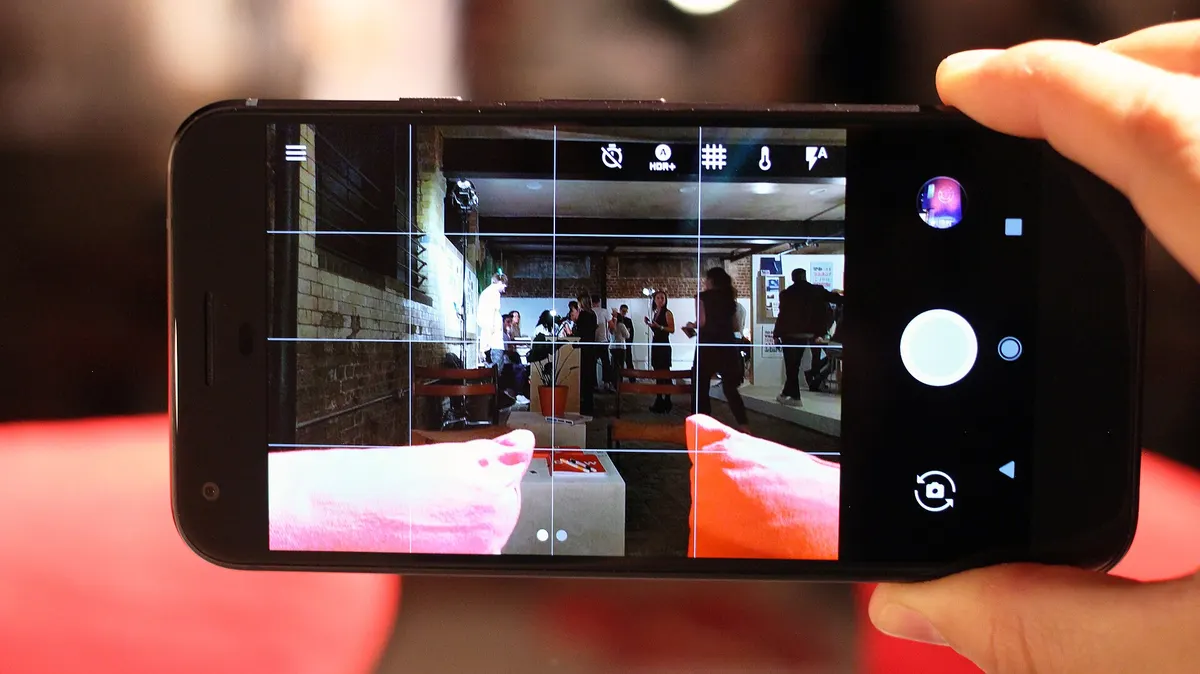
Photo: Maurizio Pesce from Milan, Italia, CC BY 2.0 / Wikimedia Commons
Google Pixel phones include an underrated built-in feature called Quick Tap that lets users perform common tasks by double-tapping the back of the device.
Go deeper
Want more on this story? Our research assistant searches the latest reports across the web and explains what it finds, so you get the fuller picture in one place.