
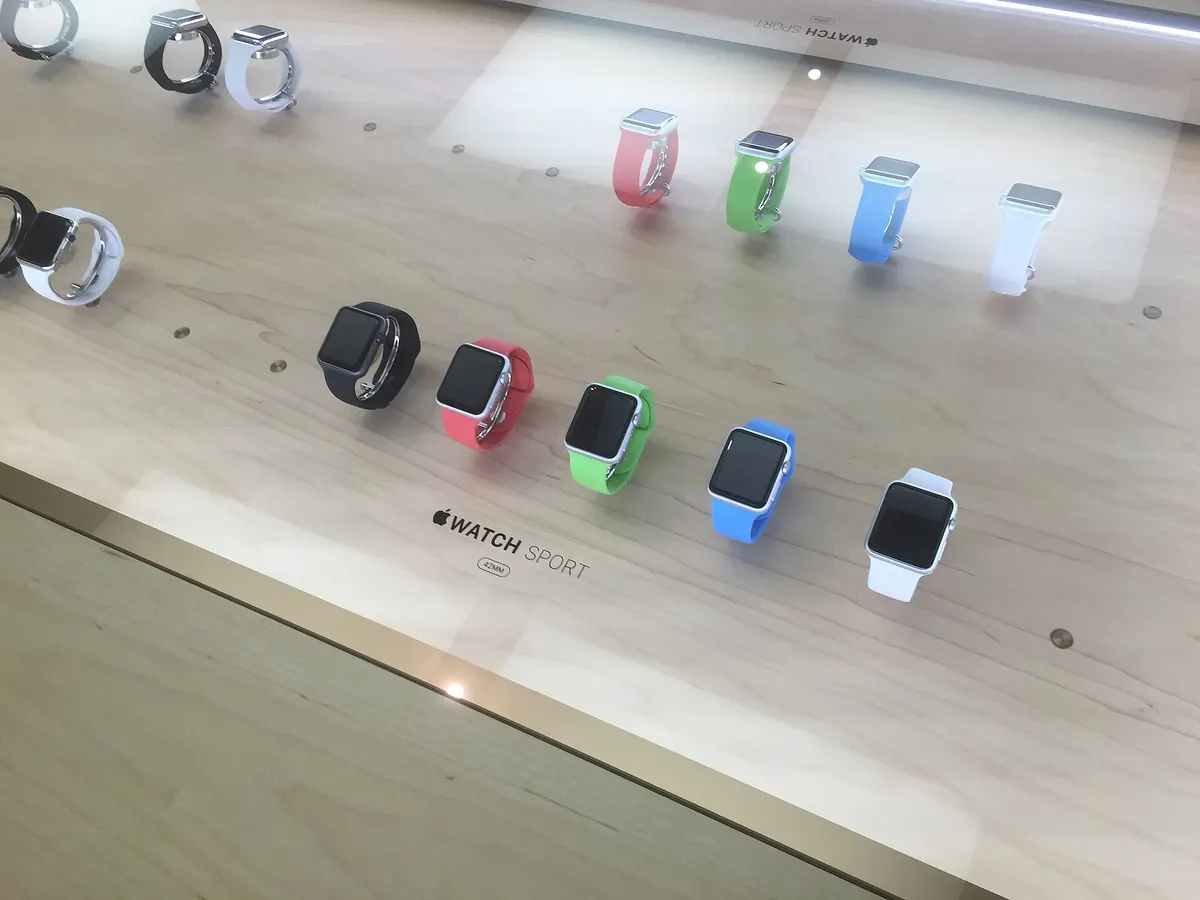
Smartwatches are often prized for fitness tracking, quick notifications, and controlling smart home accessories rather than simply telling time. However, the Apple Watch includes a lesser-known setting called Taptic Time that uses physical vibrations to communicate the hour and minute directly to your wrist.
The feature relies on the Apple Watch's internal Taptic Engine, which produces haptic feedback. While most people rely on a standard visual check, Taptic Time provides an alternative method for tracking hours and minutes without ever looking at a screen.
What happened
To enable Taptic Time on an Apple Watch, users must open the Settings application, select Clock, tap on Taptic Time, and toggle the feature on. Once activated, the watch presents three distinct vibration styles: Digits, Terse, and Morse Code.
The Morse Code option spells out the time using traditional dots and dashes. The Terse option uses long taps to indicate five-hour blocks past midnight, short taps for additional individual hours, and long taps again to signal quarter-hour increments.
The most precise and intuitive setting is Digits. This mode applies long taps for tens and short taps for ones to both hours and minutes. For instance, the time 10:09 is communicated via one long tap, a pause, and nine short taps.
For users with VoiceOver turned on, Taptic Time can also be triggered by double-tapping the watch face while the screen is inactive. Apple notes that the feature will not function if the watch is configured to always speak the time aloud, though users can bypass this limitation by enabling the Control With Silent Mode setting under the Speak Time menu.
Why it matters
While frequent wrist vibrations and interpreting coded patterns can feel annoying or startling to many users, Taptic Time serves as an important accessibility tool. The primary beneficiaries are visually impaired individuals, allowing them to use smartwatches and track fitness goals without needing to see a visual display.
Others may find utility in Terse mode to maintain mindfulness of the schedule without constant screen checks. It also offers practical benefits for people whose hobbies or jobs demand intense visual focus, such as riding electric unicycles, where looking away from the path to check a wrist is impractical.
The background
Taptic Time leverages the precision engineering of Apple's Taptic Engine, a hardware component originally developed to simulate the physical sensation of clicking a mechanical button on devices like iPhones and Apple Watches. Smartwatches have increasingly evolved to incorporate robust accessibility features, bridging the gap between mainstream consumer electronics and assistive technology for people with disabilities.
What happens next
Apple continues to include Taptic Time as a standard built-in feature across its watchOS software ecosystem, requiring no additional downloads or third-party applications. Users can experiment with the settings at any time through their device preferences to determine which tactile pattern suits their lifestyle or accessibility needs best.
Key takeaways
- Apple Watch users can enable Taptic Time in the settings app to receive the time through physical vibrations.
- The feature provides three distinct vibration styles known as Digits, Terse, and Morse Code.
- The Digits mode offers the most precise feedback by using long taps for tens and short taps for ones.
- The primary beneficiaries of Taptic Time are visually impaired individuals who cannot rely on visual screen checks.