
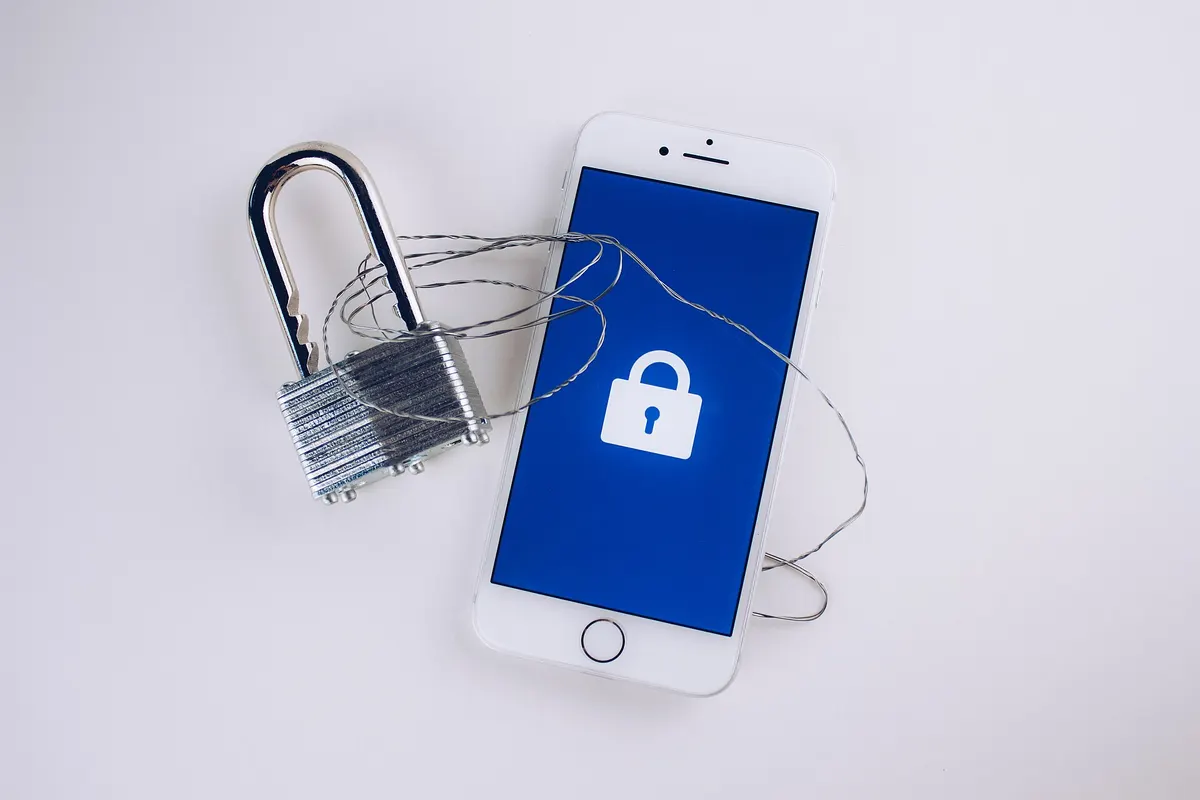
Weak passwords continue to leave digital accounts vulnerable to hackers and modern artificial intelligence tools. Testing password strength and adopting secure generation habits can prevent unauthorized access across online services.
Security experts recommend using dedicated password managers and unique credentials for every account to mitigate the risk of widespread data breaches. Simple adjustments to length and character variety dramatically increase the time required for automated systems to crack a login.
What happened
Security reports emphasize that basic passwords like simple words, consecutive numbers, or personal details can be cracked by hackers and AI systems in seconds. This vulnerability was highlighted after testimony revealed the Louvre used the extremely simple password "Louvre" to protect its video surveillance system during a major jewel heist. Experts advise that a strong password should be at least 12 to 20 characters long and include a randomized mix of uppercase and lowercase letters, numbers, and symbols without spelling recognizable words.
Users can evaluate the strength of their credentials using free online checkers like Security.org, which estimate how long it would take a computer to crack a specific combination. Adding special characters can elevate a password's security rating from years to millions of years. Beyond creating strong combinations, individuals are advised to use password managers such as 1Password, Apple Passwords, or LastPass to generate and store complex credentials securely. Furthermore, enabling two-factor authentication via authenticator apps like Google Authenticator adds an extra layer of defense by requiring a continuously changing six-digit code upon login.
Why it matters
Using weak or reused passwords creates severe risks for personal privacy and digital security. If a single password is compromised through a data breach or human error, it can unlock every other connected service and account belonging to that user. The rise of automated cracking tools and AI capable of identifying passwords from keystroke sounds means attackers no longer rely on manual guessing. Proper security habits directly protect individuals from financial theft, identity exposure, and unauthorized surveillance access.
The background
Password security has evolved significantly from the early days of computing, when simple digits or dictionary words were commonly permitted. Modern websites and online services routinely enforce strict character requirements, rejecting short or easily guessable entries. Despite these automated safeguards, human habits often lean toward convenience, leading people to reuse familiar words or personal dates across multiple platforms. The ongoing debate between password managers, authenticator apps, and newer biometric passkeys reflects the broader technological shift away from purely memory-based credentials.
What happens next
Security guidelines continue to advocate for regular password updates every 60 to 90 days, or immediately following any reported data breach. Technology platforms are gradually introducing passkeys—which rely on device-based biometrics or PINs—as a more secure alternative to traditional passwords. As automated threats grow more sophisticated, users are encouraged to adopt multi-layered verification methods whenever available.
Key takeaways
- Passwords should be at least 12 to 20 characters long and contain a randomized mix of letters, numbers, and symbols.
- Free online tools such as Security.org can evaluate a password and estimate how long it would take a computer to crack it.
- Using a dedicated password manager helps generate and store unique credentials for every individual account.
- Enabling two-factor authentication with an authenticator app provides an extra layer of security beyond just a password.
- Reusing the same password across multiple services allows a single breach to compromise all connected accounts.