
Managing small single-board computers from afar has traditionally required navigating complex network settings and security hurdles. A dedicated tool created by Raspberry Pi aims to eliminate those technical barriers for everyday users.
By leveraging browser technology, the system establishes a secure, peer-to-peer connection over the internet. This approach bypasses the need for traditional networking workarounds while maintaining encrypted communication.
What happened
Raspberry Pi Connect is an official program designed to let users communicate with a Raspberry Pi unit from outside their local network. The tool works automatically with devices running the Bookworm version of Raspberry Pi OS or later. Older devices have more limited options, but can still be configured using the Pi OS or its Lite variant through a few simple terminal commands.
The utility leverages WebRTC, a peer-to-peer connection protocol operating through web browsers over a secure tunnel. This design requires no third-party software on the Pi unit and allows the connection to bypass strict firewalls and restricted network address translation setups. To use the service, users need internet access and an active Raspberry Pi Connect account.
The software provides two main features: a remote shell and screen sharing. The remote shell functions as an SSH terminal running directly inside a web browser, making it effective for running commands and monitoring the system. Screen sharing turns a browser into a remote desktop for the Pi. Screen shares operate through a Wayland session, which utilizes the Pi's resources and requires an active desktop session. The remote shell does not have this requirement. The full installation package includes screen-sharing compatibility, while the lite package is restricted to remote access only.
Setting up the tool requires installing the package via an SSH terminal session and running a command to enable internet access. Users then log into the service's website, sign in to their account, and link their hardware unit to complete the process.
Why it matters
Traditional methods of logging into a mini computer remotely, such as VNC services or SSH tunneling, typically require port forwarding. This configuration step can present a major hurdle for beginners and introduces potential security risks for certain projects.
By removing the requirement to configure ports manually, this tool lowers the technical barrier for hobbyists and developers managing remote hardware. It provides a straightforward pathway to monitor and control devices deployed away from a physical desk.
The background
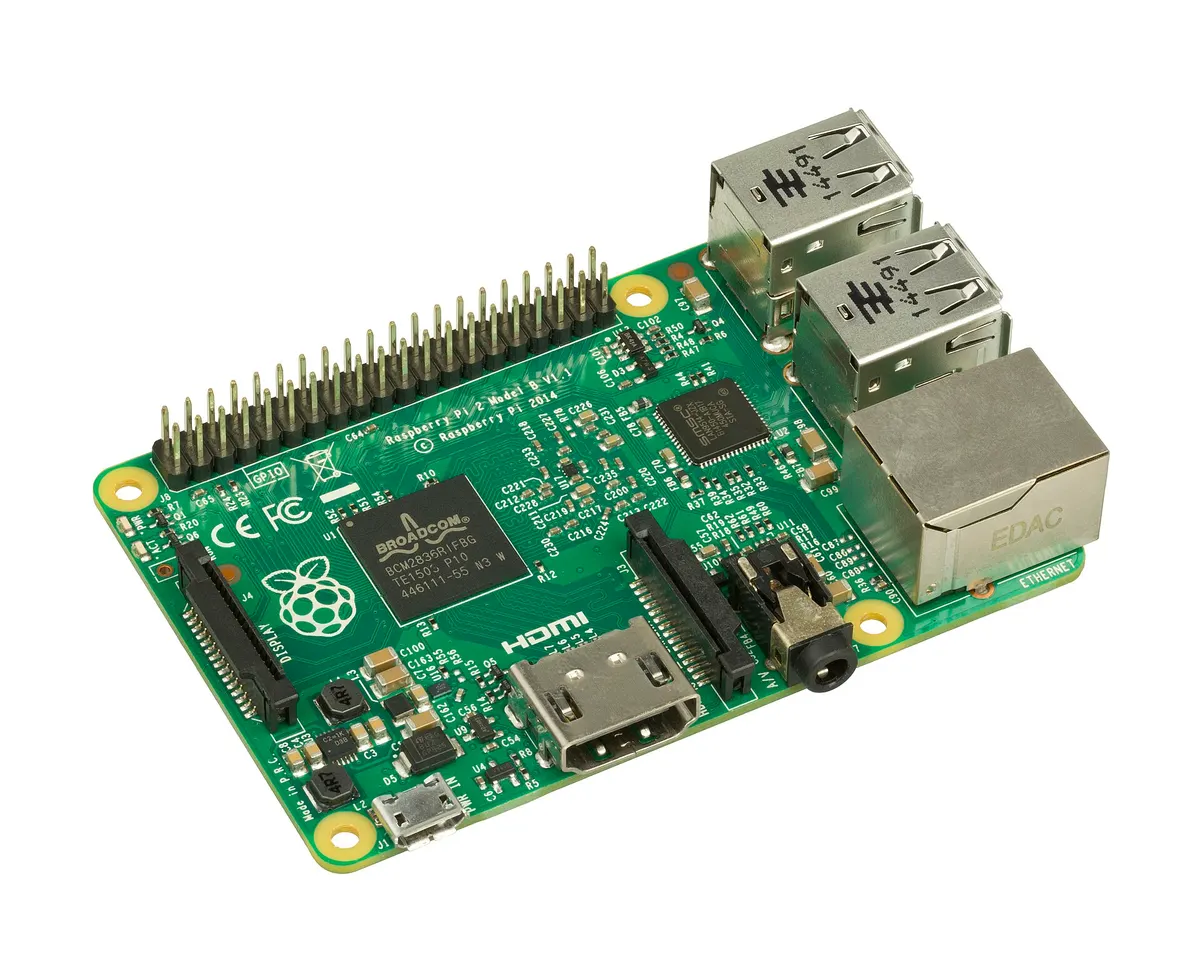
Raspberry Pi computers are popular, affordable credit-card-sized computers widely used for education, home automation, and DIY technical projects. Accessing these devices when they are not connected to a local monitor or keyboard has historically relied on various networking configurations.
For years, enabling VNC on the operating system required using RealVNC Server as the official remote desktop client. However, with the release of Raspberry Pi OS Bookworm, the default graphical desktop stack switched to Wayland, replacing RealVNC with WayVNC as a native server. Changes to external software plans further shifted the landscape for hobby users, making built-in and officially supported remote options increasingly relevant.
What happens next
Users can deploy the software immediately by installing the relevant package on compatible operating system versions and linking their hardware through an online account. Alternative community methods, such as utilizing WayVNC for local network desktop sharing, remain available for those who prefer solutions that do not depend on external cloud infrastructure.
- Raspberry Pi Connect is an official program that enables communication with a Raspberry Pi over the internet without requiring port forwarding.
- The system leverages WebRTC to create a secure, peer-to-peer connection that bypasses strict firewalls and restricted network configurations.
- The tool offers two primary features: a browser-based remote shell for executing commands and a screen-sharing mode that turns a browser into a remote desktop.
- Setting up the service requires installing the software package on the Pi unit, enabling internet access via the terminal, and linking the device to an online account.