
Grand Theft Auto 6, the latest entry in the high-budget video game series, includes a built-in feature that allows players to modify motion blur. This setting can be adjusted to improve visual comfort for those who experience nausea during gameplay or to sharpen the game's high-fidelity graphics. ## What happened To change the motion blur settings, players must pause the game and navigate to the Settings menu. From there, the Display tab can be accessed by pressing the right shoulder button on a controller. Under the visual effects section, a specific option labeled Motion Blur Strength is available. Rather than a simple on-off toggle, the game provides a slider with a default value of three out of 10. Players can move this slider to increase the effect, reduce it, or set it to zero to deactivate motion blur entirely. ## Why it matters Motion blur is a common feature in modern games designed to mimic the way cameras capture movement, which can help smooth out camera transitions. However, for some players, this effect can cause motion sickness, dizziness, or nausea. Additionally, some users may find that the blur obscures the game's detailed graphics, which are a major focal point for this specific title. By offering a slider instead of a binary switch, the developers allow players to find a balance that mitigates physical discomfort while still maintaining some visual smoothness. ## What to know Grand Theft Auto 6 is developed by Rockstar Games and is designed to run at 30 frames per second (fps) on consoles. In gaming, frame rate refers to the frequency at which consecutive images appear on a display. A lower frame rate can sometimes make camera movements appear jittery or jarring, which is why motion blur is often utilized to mask those transitions. Because the game targets 30 fps rather than 60 fps, the impact of motion blur can be more pronounced. Adjusting the setting is a matter of personal preference, as the ideal level depends on the player's sensitivity and the specific display hardware they are using. ## Key takeaways - The Motion Blur Strength slider is located within the Display tab of the game's settings menu. - Players can set the strength to zero to turn the effect off completely or adjust it incrementally to find a comfortable level. - Motion blur is intended to help smooth out camera movements, which may be more noticeable at the game's 30 fps target frame rate. - The inclusion of a slider provides more granular control than a standard on-off switch, allowing for a customized visual experience.
Technology
How to Adjust Motion Blur Settings in Grand Theft Auto 6
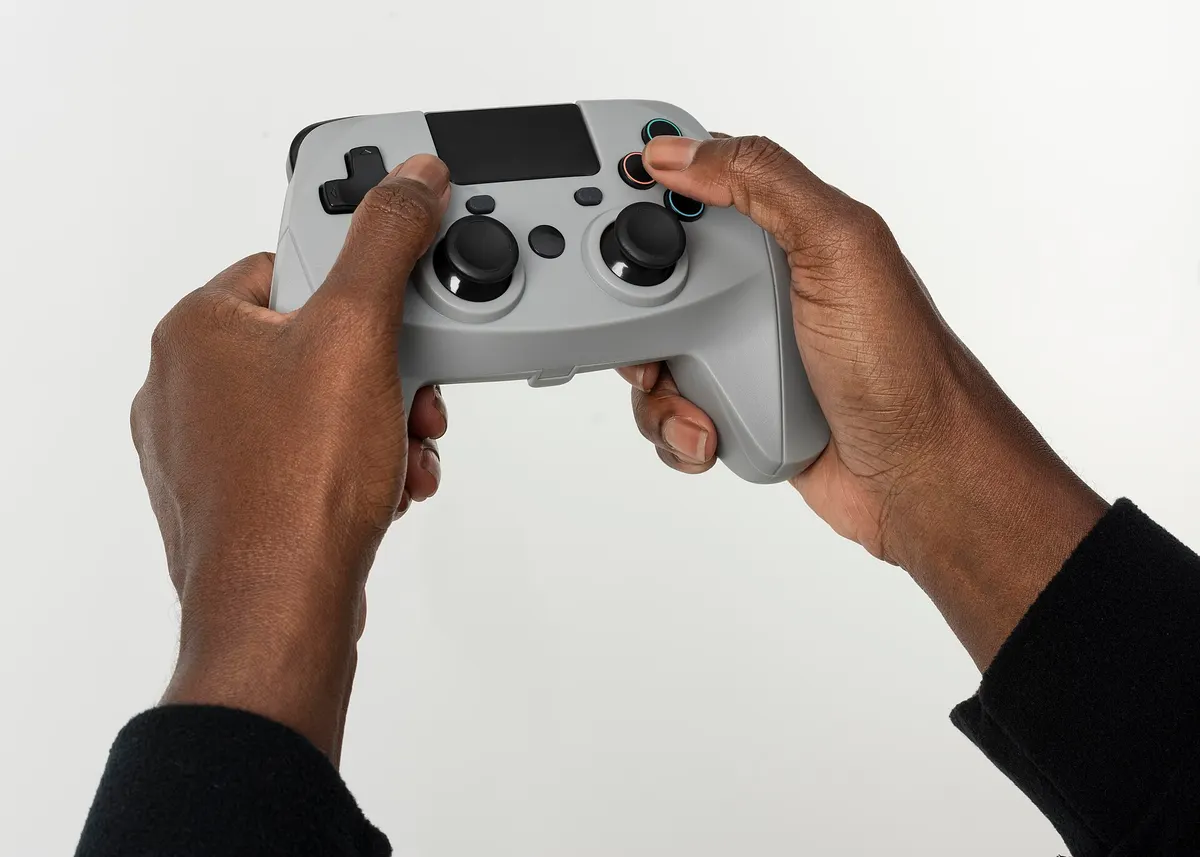
Photo: Vu Hoang, CC BY 2.0 / Wikimedia Commons
Players experiencing motion sickness or visual discomfort while playing Grand Theft Auto 6 can adjust or disable the game's motion blur effect. A customizable slider allows users to tailor the visual setting to their personal preferences.
Go deeper
Want more on this story? Our research assistant searches the latest reports across the web and explains what it finds, so you get the fuller picture in one place.