
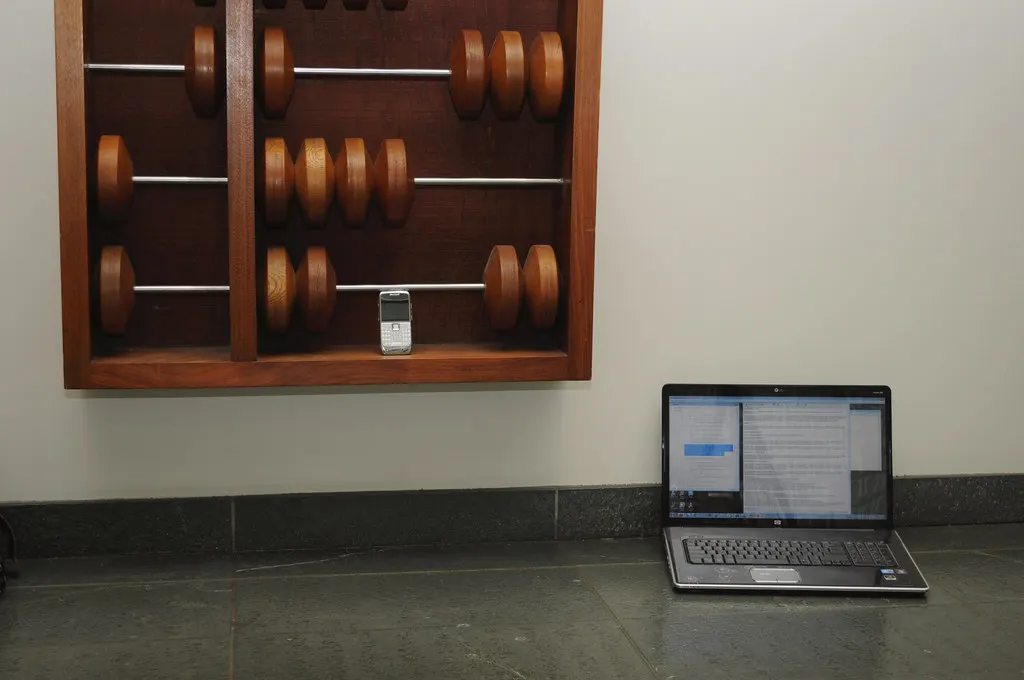
Smartphones can function as basic metal detectors by utilizing built-in sensors that read magnetic fields. While they cannot replace dedicated machines or find buried treasure deep underground, they can help users locate small dropped items like nails or screws.
Apps available on both Android and iOS instruct the phone's internal hardware to ping when certain metals enter its immediate range. However, users must manage their expectations regarding what these pocket-sized tools can actually achieve.
What happened
Smartphone metal detection relies on standard hardware called a magnetometer. Standard in mobile devices since the late 2000s and the iPhone 3GS, magnetometers were originally designed to measure the Earth's magnetic field primarily to power digital compasses and navigation tools like GPS. Metal detector apps instruct the smartphone to read these magnetic-field measurements and sound an alert when specific metals enter the sensor's range.
Because phones are not engineered specifically for treasure hunting, their capabilities are strictly limited. A smartphone can only pick up ferromagnetic metals, which include iron, steel, nickel, and cobalt. Commercial metal detectors, by contrast, generate their own electromagnetic fields capable of picking up a much broader range of materials that conduct electricity.
Why it matters
Many apps available on the Google Play Store and Apple App Store promise unrealistic results, sometimes claiming they can help users discover gold, silver, or high-end jewelry. Because smartphones only scan for ferrous metals, any app claiming to find precious metals or valuable artifacts is misleading the user. Users are advised to avoid apps that require an upfront cost, as all basic metal detector apps utilize the same underlying magnetometer technology and provide generally similar performance. Smartphone detection is limited to a range of a few inches at best, making these tools useful only for finding small, dropped household items like a screw, blade, or nail.
The background
Metal detection on mobile devices dates back to early hardware such as the T-Mobile G1, which featured an early magnetometer. Over time, these magnetic sensors became standard components across almost all Android and iOS smartphones to support navigation apps and device orientation. Dedicated sensor-testing applications, such as Sensor Test, can verify whether a specific phone model includes a functional magnetometer. Popular apps like ExaMobile's Metal Detector utilize these magnetic sensors to measure fields accurately and track values over time using visual graphs.
What happens next
Developers continue to offer free and paid metal detector apps on mobile app stores, while technology reviewers advise users to check device compatibility before downloading. Because mobile phones were never designed for this functionality, no known software solution allows an Android or iPhone to outperform a dedicated commercial metal detector, and detection ranges will remain restricted to very shallow depths.
Key takeaways
- Smartphones can function as basic metal detectors by utilizing built-in hardware called magnetometers that normally power compasses and GPS navigation.
- Phone metal detectors can only pick up ferromagnetic metals like iron, steel, nickel, and cobalt within a range of a few inches.
- Apps promising to find gold, silver, or valuable jewelry are misleading because smartphones cannot scan for precious or non-ferrous metals.
- Users can test their phone's compatibility using dedicated sensor-checking applications before downloading free metal detector software.