
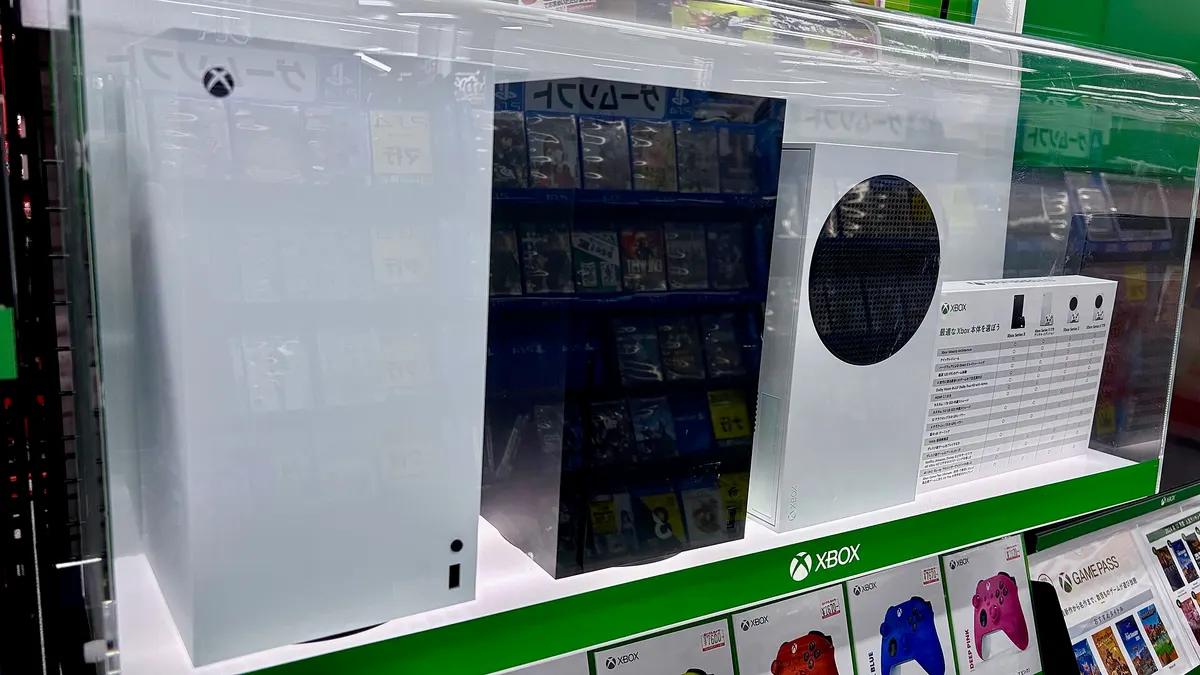
Grand Theft Auto VI is scheduled to release on November 19 for the PlayStation 5 and Xbox Series X/S. Because the game carries the "Optimized for Xbox Series X|S" badge, it is built to heavily utilize the advanced hardware features inside Microsoft's consoles. Making a few targeted adjustments before launch night ensures that players get the best possible visual fidelity and performance.
Players need to navigate several menus across both their television and console hardware. These adjustments cover video output, high dynamic range calibration, and internal storage management to handle the game's massive file size.
What happened
Before launching Grand Theft Auto VI, users should check their display capabilities by going to Settings, General, TV and Display Options, and 4K TV Details on their Xbox. A series of green checkmarks indicates that the TV and the specific HDMI port can support the console's advanced features, which require an HDMI 2.1 connection. Within the Video Modes menu, players should enable "Allow variable refresh rate" (VRR) and "Allow auto low latency mode" (ALLM). VRR helps match the television's refresh rate to the console's frame production to reduce screen tearing and stutter, while ALLM automatically shifts the television into game mode to cut down on input lag and post-processing delay.
In the same video menu, users should ensure "Allow HDR10" is checked and run the built-in Calibrate HDR for Games tool so that bright and dark areas maintain visual detail. Both the Xbox Series X and S support Dolby Vision for gaming, which works alongside VRR and ALLM to optimize picture quality on compatible displays. GTA 6 will support calibrated Dolby formats at launch.
Storage management is another critical step. Games optimized for the Series X and S must be played from the console's internal solid-state drive (SSD) or an official storage expansion card. External USB drives can hold game files, but the game will not run from them. With GTA 6 reported to require a download size of 212GB, and the Xbox Series S featuring an internal SSD as small as 512GB, users should visit Settings and Storage to delete or move unnecessary files. Preloading for the game began on November 10.
Why it matters
These configuration steps directly affect how the game looks, feels, and runs. Without an HDMI 2.1 connection and enabled gaming modes like ALLM and VRR, players may experience higher input latency and visual stuttering during fast-paced gameplay. Furthermore, failing to clear internal storage could prevent players from launching the game entirely due to its enormous file size, forcing abrupt management of console memory on launch day.
The background
Grand Theft Auto VI is the upcoming installment in Rockstar Games' massively popular open-world crime franchise, taking players back to Vice City and the surrounding region of Leonida. Modern video game consoles like the Xbox Series X and Series S feature advanced technical capabilities including high-dynamic-range imaging, variable refresh rates, and fast solid-state drive architecture designed to load detailed virtual worlds rapidly.
What happens next
Grand Theft Auto VI launches on November 19. Preloading for the title started on November 10 for users who pre-ordered the game, allowing them to download the files ahead of time. Additional in-game settings can be tweaked once the game officially begins.
- Xbox Series X and S users should verify their display setup using the 4K TV Details menu and reserve an HDMI 2.1 port for the console.
- Enabling Variable Refresh Rate (VRR) and Auto Low Latency Mode (ALLM) reduces screen stutter and controller delay.
- Players must run the Calibrate HDR for Games tool to optimize bright and dark visual details for their specific television.
- Because GTA 6 requires a reported 212GB download and optimized games must run from internal storage, users need to clear out unnecessary files from their Series X/S console ahead of time.