
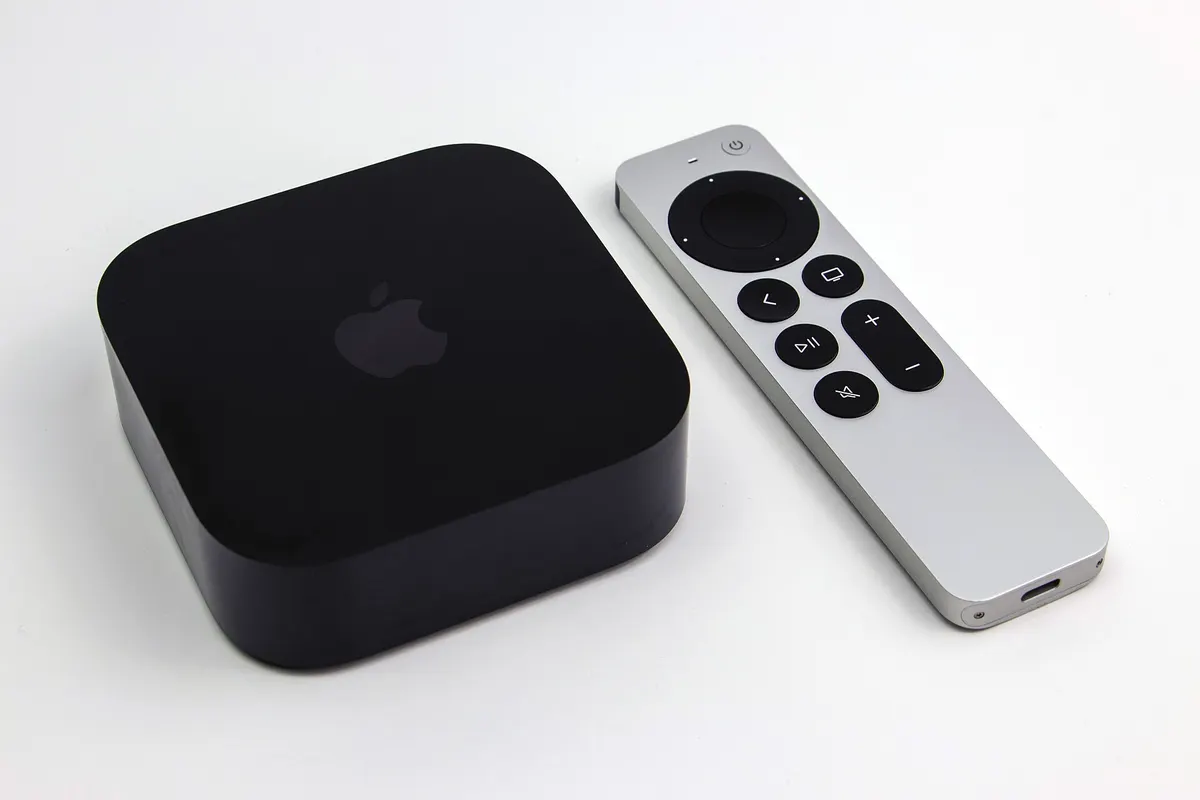
The fourth-generation Apple TV 4K, released on November 13, 2026, brings new home theater audio capabilities to living rooms. For the first time, users can configure a true surround sound system using up to four Apple smart speakers.
Setting up this immersive experience requires specific hardware, a trip through the Home app on an iOS device, and an on-screen calibration process. While previous Apple TV models maxed out at two speakers for a simulated stereo setup, this new capability opens up multi-channel audio within the Apple ecosystem.
What happened
To build a surround sound system with the fourth-generation Apple TV 4K, users need up to four second-generation HomePods or HomePod mini 2 speakers. Apple allows mixing speaker models, but the front pair and rear pair must match. For instance, users can place two larger HomePods at the front of the room and two HomePod mini 2 units behind the seating area, or use four identical models. The feature is not backward compatible, meaning older Apple TV models cannot utilize a four-speaker arrangement.
The setup process begins in the Home app on an iPhone or iPad, where the Apple TV 4K and all individual speakers must be assigned to the exact same room. Once grouped, users navigate to a HomePod's settings, select the Create Home Theater option, and choose the speakers to bundle together. A notification then directs the user to the Apple TV, where they follow on-screen prompts regarding physical speaker placement. Selecting Start Tuning initiates a series of calibration tones to optimize the audio for the room's specific dimensions. Users who prefer a simpler setup can instead create a stereo pair using just two smart speakers.
Why it matters
This new audio configuration offers a more engaging and immersive entertainment experience for consumers embedded in the Apple ecosystem, delivering clear sound and crisp dialogue. However, creating this home theater setup from scratch requires a substantial financial commitment. The fourth-generation Apple TV 4K costs $299, while the second-generation HomePod and HomePod mini 2 are priced at $349 and $149 respectively. Fully outfitting a room with four speakers and the console can total up to $1,700.
The background
Apple's HomePod line consists of smart speakers designed to integrate with the company's hardware and software ecosystem, offering voice control through Siri and high-fidelity audio playback. Historically, connecting Apple TV to HomePods was limited to a single stereo pair that simulated spatial audio and surround effects strictly from the front of a room. The fourth-generation Apple TV 4K changes this limitation by allowing multi-speaker grouping for a genuine surround sound layout.
What happens next
Consumers and reviewers continue to evaluate whether the audio improvements and new features, such as the Find My-enabled remote, justify the high cost of upgrading. Apple's support pages and user guides remain available for troubleshooting device placement and software updates.
- The fourth-generation Apple TV 4K is the first model to support a four-speaker surround sound setup using second-generation HomePods and HomePod mini 2 units.
- Setting up the system requires updating all devices, assigning them to the same room in the Home app, and running an on-screen tuning process with calibration tones.
- Fully outfitting a living room with the console and four smart speakers can cost up to $1,700, reflecting Apple's premium pricing.