
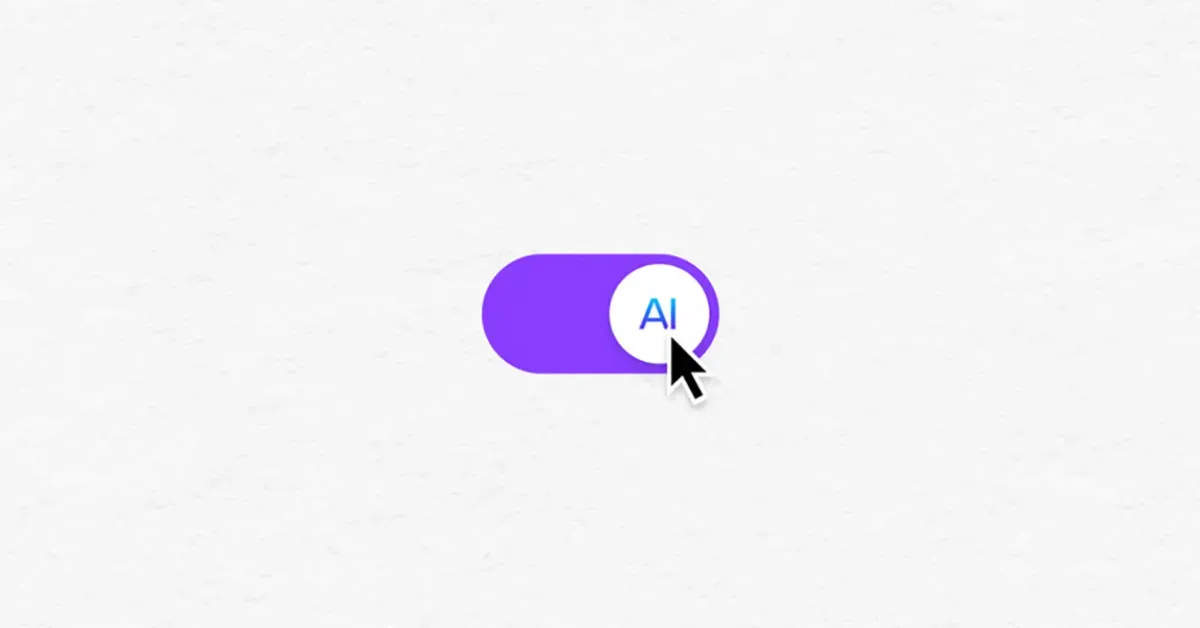
Canva has introduced a new control feature that allows users to opt out of using generative artificial intelligence within its design platform. By adjusting a setting in the app's permissions menu, individuals can now turn off AI-assisted tools that have become increasingly common in digital editing software.
What happened
Canva announced the release of "AI Controls," a feature that provides users with a simple toggle to manage their experience. When a user navigates to the permissions menu, they can switch off "Enable Generative AI features." This action disables specific tools such as Magic Write, which assists with text generation, and Magic Edit, which alters image content. Additionally, users are given the option to restrict the amount of AI-generated imagery that appears within the platform's library. The company stated that it aims to provide users the freedom to choose their own creative path, whether they prefer utilizing AI tools or working without them.
Why it matters
This development highlights a growing tension in the software industry regarding the integration of AI. While many companies are aggressively incorporating generative AI into their products, users often have little control over whether these features are active. Canva’s decision to implement a master toggle demonstrates that it is technically feasible to offer an opt-out mechanism. For professional designers or casual users who prefer manual control over their creative process, this change removes the necessity of interacting with AI-generated suggestions or tools that they may find intrusive or unnecessary for their specific projects.
What to know
Generative AI refers to algorithms that can create new content, such as text, images, or code, based on patterns learned from large datasets. In the context of graphic design platforms like Canva, these tools are typically used to automate tasks like rewriting copy, removing objects from photos, or generating new visual elements from user prompts. While these features are marketed as time-saving enhancements, they have sparked debates regarding creative autonomy and the necessity of AI in artistic workflows. Canva’s update marks a departure from the industry trend of mandatory AI integration, positioning the platform as one that prioritizes user preference regarding the inclusion of automated tools.
Key takeaways
- Canva users can now disable generative AI features through the platform's permissions menu.
- The new control allows for the deactivation of specific tools like Magic Write and Magic Edit.
- Users can also limit the presence of AI-generated images within their search results and library.
- The update provides a choice for those who prefer to create designs without the assistance of artificial intelligence.