
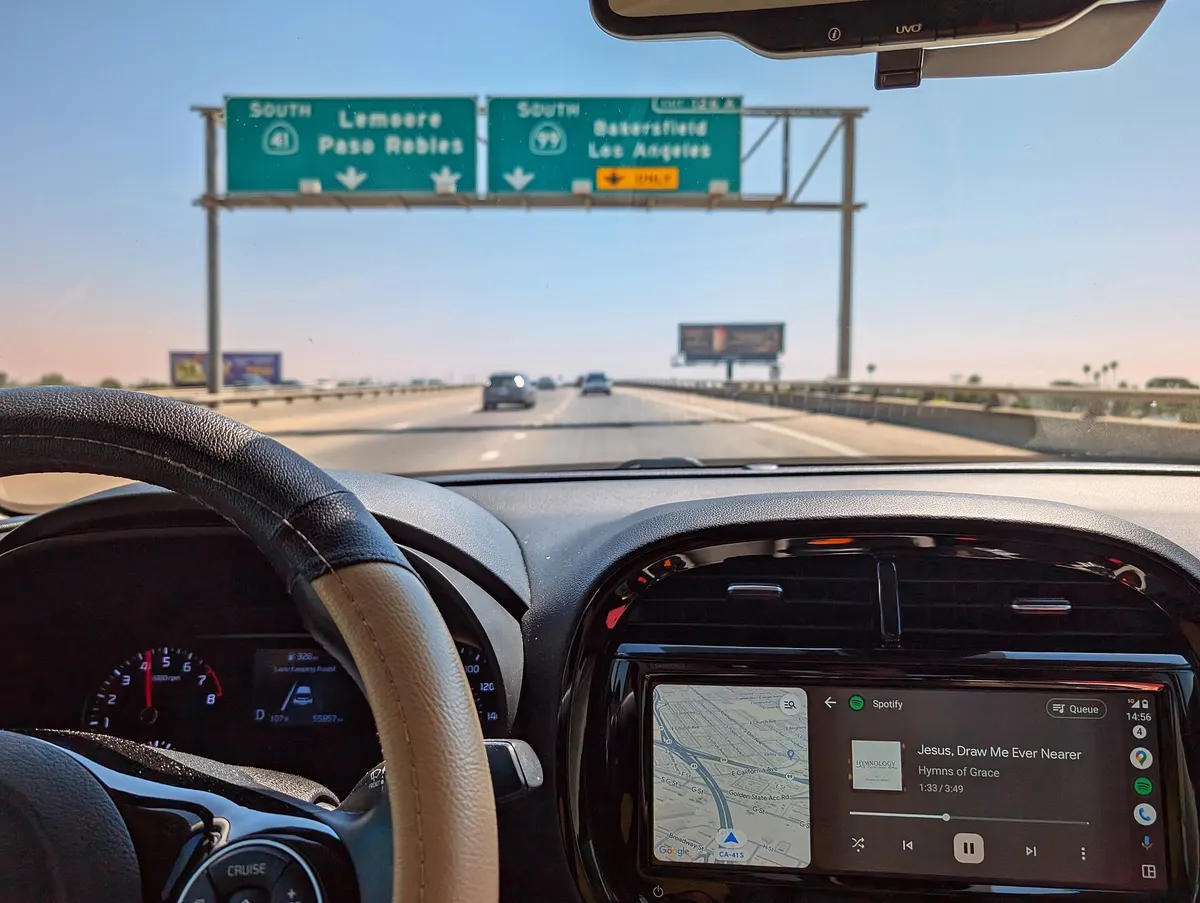
Google is rolling out a new app navigation layout for Android Auto, shifting options from the top of the screen to a vertical list along the side. The change is designed to make in-car touch controls easier to access for drivers.
So far, the updated interface has appeared in applications including Spotify, YouTube Music, Amazon Music, and the system dialer. The design shift is part of a broader evolution of the dashboard platform.
What happened
Android Auto users running version 18.2.664604-release have begun seeing a revised interface for select media and system apps. Instead of navigating through menus located at the top of the display, users now find options neatly lined up along one side of the screen. This side-navigation layout replaces previous screen-top elements, reducing the physical distance a driver must reach across wide car displays.
While the redesign results in lower content density on the display, the remaining interface elements are larger and make better use of available space. Along with the menu relocation, the update features a prominent now-playing bar complete with album art and playback controls for music apps. The new look has been observed across major audio applications like Spotify, YouTube Music, and Amazon Music, as well as the system dialer.
Why it matters
Interface design is critical for in-car software platforms where minimizing driver distraction is paramount. Moving navigation options to the side of wide displays allows drivers to interact with apps more comfortably without having to stretch across the dashboard. By presenting larger touch targets, the layout seeks to improve usability and safety on the road.
The background
Android Auto is Google’s platform that projects a simplified smartphone interface onto a car's built-in infotainment screen. This latest interface update follows a series of underlying code modifications discovered by software analysts examining recent Android Auto versions. Earlier teardowns pointed to a potential upcoming redesign codenamed "Cielo," which follows Google's previous major dashboard overhaul known as "Coolwalk" from 2023. References to screen layouts and new launchers in software updates have consistently hinted at Google's ongoing efforts to make the platform's user interface more flexible across varying screen geometries.
What happens next
As the new side-navigation layout continues its rollout in newer software versions, Google is expected to further refine its dashboard design. Code inspections indicate that additional features, including new widgets and expanded app support, are in development behind the scenes, though Google has not officially detailed a timeline for a full public release of the broader redesign.
- Android Auto is introducing a new layout that moves app navigation options from the top of the screen to a side-aligned list.
- The updated interface has been spotted in apps such as Spotify, YouTube Music, Amazon Music, and the system dialer.
- By placing controls along the side of wide displays, the layout aims to make touch controls easier for drivers to access.
- Software code analysis suggests this visual tweak is part of a broader, ongoing UI redesign effort by Google for the platform.