
A factory reset is a heavy-duty troubleshooting step for fitness trackers that restores the device to the state it was in when first purchased. It wipes out any settings and data stored locally on the wearable that have not yet been synced to an app.
Performing a reset is typically reserved for major issues, such as a device stuck in a boot loop, or when preparing to sell, give away, or recycle a tracker. It is distinct from a simple restart, which functions like turning a device off and on again to fix minor bugs.
What happened
For most modern Fitbits with a screen, a factory reset is performed directly through the device interface. Users navigate to Settings, About, Device Info, and then select Clear User Data or Factory Reset. Confirming this action usually requires holding down a button or tapping the screen until a vibration is felt and the Fitbit logo reappears.
The newer Fitbit Edge simplifies this further by allowing users to swipe down from the top of the screen and select Settings directly followed by Clear User Data.
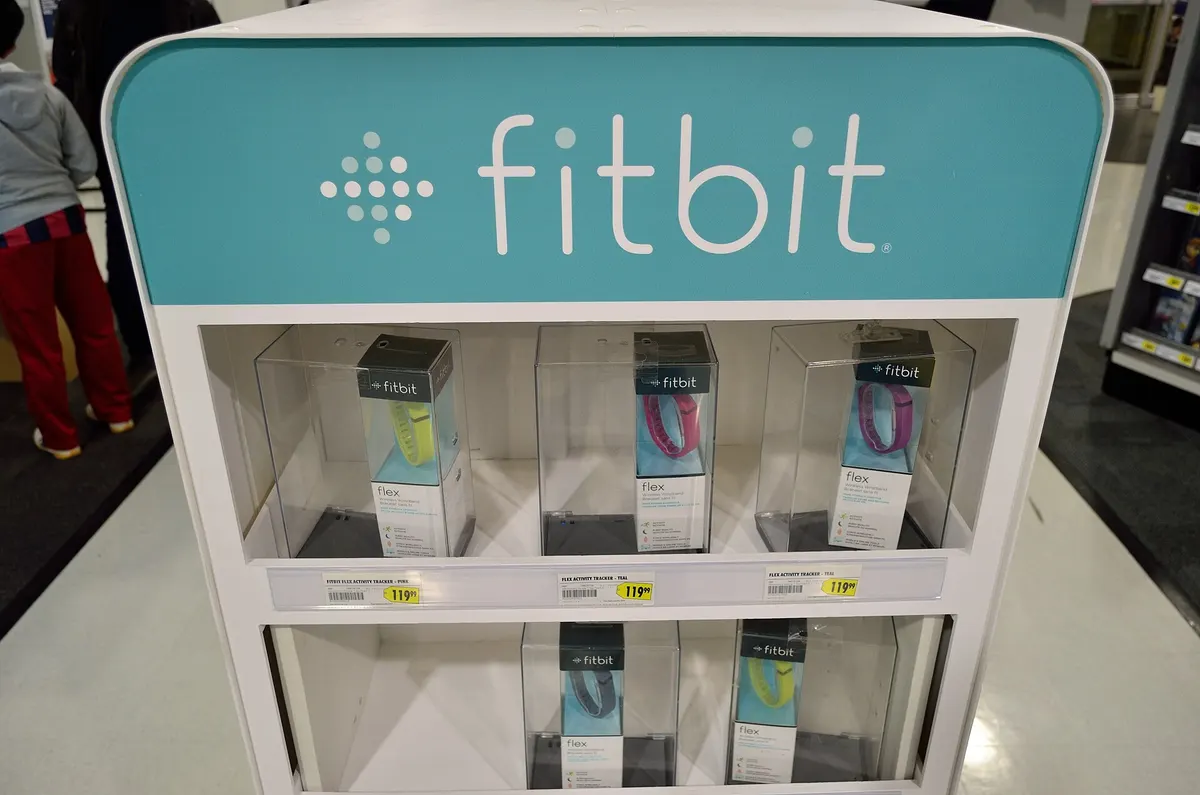
Older trackers and screenless models require different physical methods. The Fitbit Flex, for instance, must be connected to its USB charger and plugged into a computer, after which a user must press a tiny reset hole with a paperclip for three seconds until the device lights up.
Meanwhile, the screenless Fitbit Air features no traditional factory reset option. Instead, owners place it on its charger and press and hold the back button for 10 seconds until the status light flashes white, which restarts the device. Pairing the Air with a new user account will automatically clear the previous owner's data.
Why it matters
Resetting a wearable impacts local data storage. It erases morning alarms, user goals, notification settings, and unsynced activities. However, it does not delete information that has already successfully synced to the Google Health app, allowing historical workout and step data to remain accessible online.
For owners looking to transfer a device, manually unpairing the tracker through the app is an important preliminary step. Users of the Fitbit Air, for instance, can select their device in the app, navigate to System, and choose Disconnect and reset device. Owners may also need to remove the tracker from their phone's Bluetooth settings to ensure the new user can successfully connect.
The background
Fitbit is a well-known brand of fitness trackers and smartwatches that record physical activity, heart rate, and sleep metrics, syncing this information to mobile apps. Google acquired Fitbit, integrating its services and software ecosystems, including the Google Health app used to manage device data.
As Fitbit has evolved from early clip-on pedometers and screenless bands like the Flex to advanced smartwatches like the Edge, the methods for managing and troubleshooting device software have shifted from physical pinholes to touchscreen menus.
What happens next
Once a factory reset is complete, the tracker behaves like a brand-new device. Users must start the pairing and syncing process from scratch. The reports note that owners should exercise patience, as it may take some time for the device to begin accurately tracking data again following a complete reset.
Key takeaways
- A factory reset restores a Fitbit to its original purchase state and erases all locally stored, unsynced information.
- Devices with screens can generally be reset through the settings menu, while older or screenless models require buttons, chargers, or paperclips.
- Data that has already been synced to the Google Health app remains safe and accessible after a device reset.
- Unpairing the wearable manually from the mobile app and phone Bluetooth settings is recommended before handing a device to a new owner.