
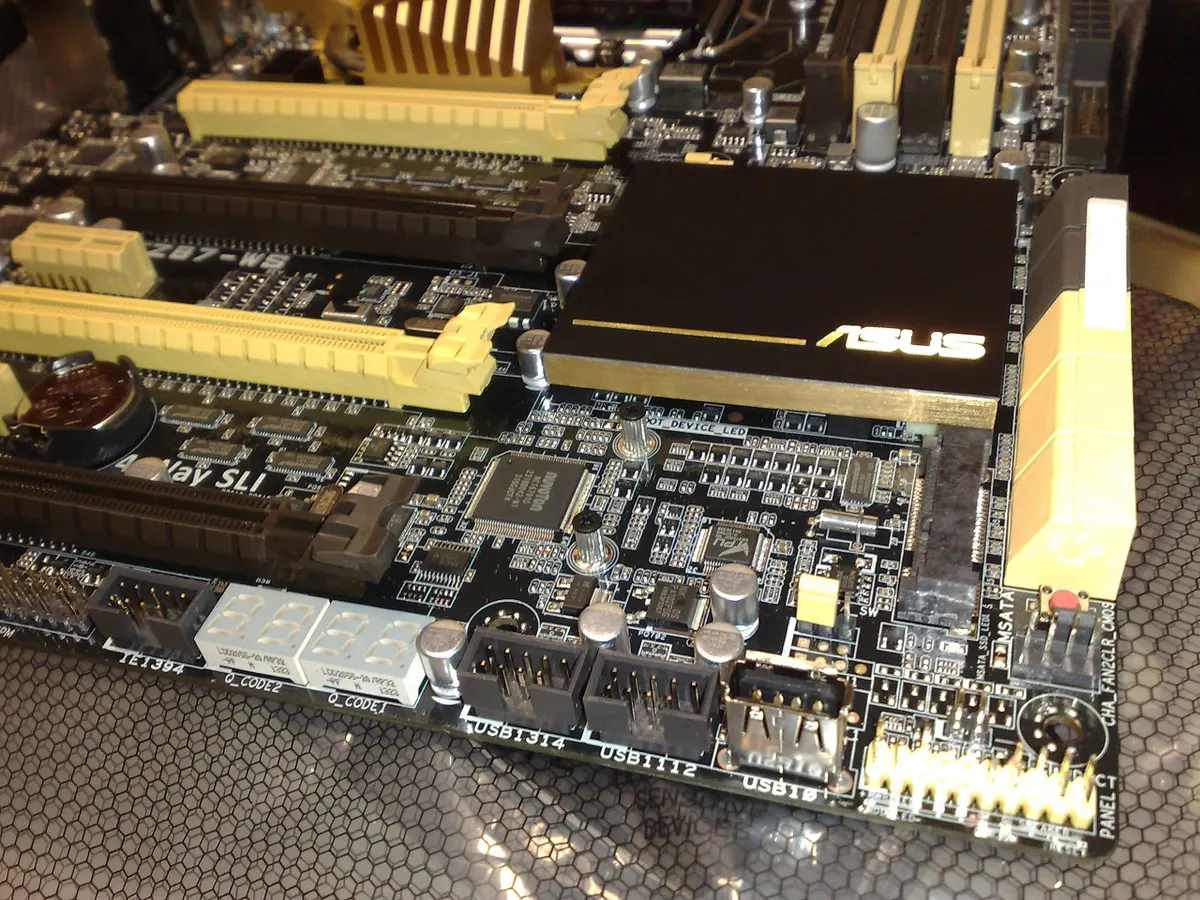
Microsoft's Windows 11 operating system introduced strict hardware and firmware prerequisites that frequently catch users and administrators by surprise during installation or upgrades. Among the most critical demands are Unified Extensible Firmware Interface firmware, Secure Boot capability, and a Trusted Platform Module version 2.0. Understanding how these components function helps explain why some older computers fail to upgrade and what users must do to prepare their systems.
While upgrading from Windows 10 generally requires only that a PC be capable of running Secure Boot rather than having it actively enabled, certain applications and modern PC games mandate that the feature be switched on. Navigating these configurations requires interacting with low-level system firmware rather than standard desktop menus.
What happened
Secure Boot is a security feature built into UEFI firmware designed to stop malicious software from loading when a computer starts. Before allowing the operating system, UEFI drivers, or applications to run, the firmware checks their digital signatures against authorized and forbidden databases. This prevents rogue bootloaders from taking over the machine.
To check whether Secure Boot is active, Windows users can open the system information tool by pressing the Windows key and R, typing msinfo32, and pressing enter. If the BIOS mode displays UEFI and the Secure Boot state displays on, the feature is active. If it is turned off, users must restart their computers into the firmware settings, switch from legacy basic input/output system mode to UEFI, locate the Secure Boot setting, and enable it.
PC manufacturers handle these firmware menus differently. Dell devices often require pressing the F2 key at startup, whereas ASUS machines may use F2, delete, or specific key combinations on handheld devices. Lenovo systems typically use the F1 key. Changing these settings can sometimes trigger BitLocker recovery keys or render existing Windows installations unbootable if shifting from legacy modes without proper data backups.
Why it matters
These system requirements directly affect anyone attempting to install Windows 11 or run specific modern software. Game publishers like Riot Games use Vanguard anti-cheat systems that can demand active security features before a game launches. If a system lacks the necessary hardware compatibility, users face upgrade failures that are typically caused by incompatible central processing units or outdated firmware configurations.
Furthermore, security certificates that underpin these boot protections carry expiration dates. Microsoft issued three Secure Boot certificates in 2011 that expire in 2026, requiring replacements to maintain early-boot security protections. While most personal devices receive these updates automatically, some systems require manual firmware updates from the hardware manufacturer.
The background
The traditional basic input/output system was created alongside the first IBM-compatible personal computers in the 1970s. It provided low-level communication between operating systems and hardware components during boot, but it was limited by a tiny executable space and allowed any software with a bootloader to start the PC. This left systems vulnerable to low-level malware and slow boot times.
To address these limitations, original equipment manufacturers agreed to replace legacy systems with UEFI starting around 2007. UEFI brought significant speed and security improvements. Secure Boot became available as a UEFI standard around 2016, around the release of Windows 8. Meanwhile, a Trusted Platform Module is a physical chip or firmware implementation that helps secure hardware through integrated cryptographic keys, acting as a separate line item alongside UEFI and Secure Boot in Microsoft's minimum specifications for Windows 11.
What happens next
Rollouts of replacement security certificates continue through managed updates from Microsoft, though some machines still require direct manufacturer firmware patches. Organizations and individual users must evaluate their existing hardware fleets using tools like the PC Health Check application to identify incompatibilities before attempting large-scale operating system migrations.
- Secure Boot is a UEFI firmware feature that checks the digital signature of boot software when a PC starts.
- Upgrading from Windows 10 to Windows 11 requires a PC to be Secure Boot capable rather than strictly having it enabled.
- Accessing firmware settings requires restarting the computer and pressing specific manufacturer keys such as F1, F2, or delete.
- Security certificates issued in 2011 carry expiration dates requiring modern replacements for early-boot protections.