
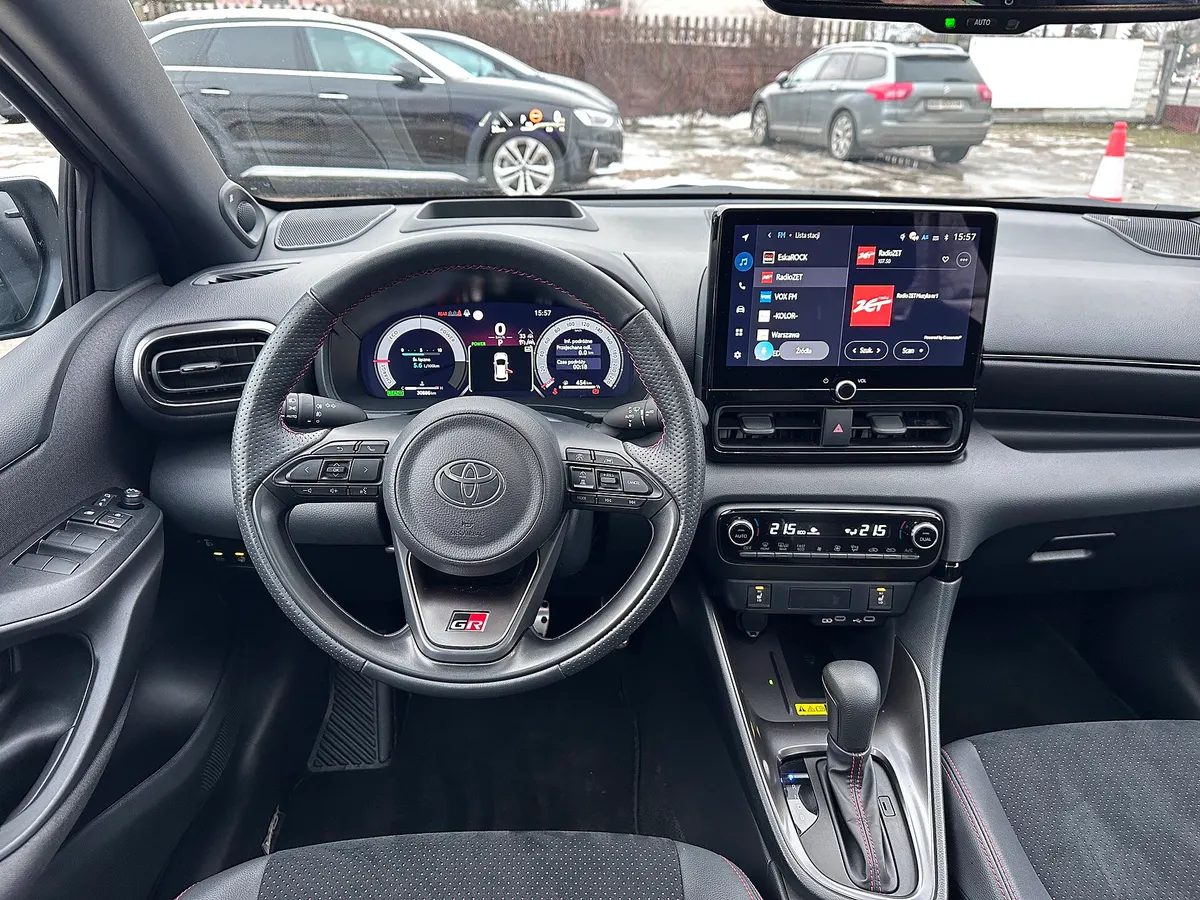
Android Auto provides a standardized interface for drivers to access navigation, music, and messaging apps safely through a vehicle's infotainment screen. While Google limits the platform to officially approved apps from the Google Play Store, users can unlock hidden capabilities by enabling developer settings on both their smartphone and the Android Auto application.
By activating these hidden menus and configuring the system to accept software from unknown sources, users are able to sideload unofficial third-party applications. This process opens up options that are not natively supported or made available by Google out of the box.
What happened
To install unofficial applications, a user must first unlock Developer Mode on their Android phone by navigating to the device settings, locating the about section, and tapping the build number seven times. Once enabled, the user must go into the Android Auto application settings, find the version and permissions section, and tap it ten times to unlock the hidden developer menu for the platform. From there, the user can select the three-dot menu, access developer settings, and turn on the toggle allowing unknown sources.
The final step involves installing a third-party management utility called Android Auto Apps Downloader, commonly known as AAAD. Because AAAD is not hosted on the Google Play Store, users must download its APK file directly from the project's GitHub repository. Once installed and granted necessary permissions, AAAD acts as an unofficial storefront listing various third-party applications designed for car screens. While the free version of AAAD restricts users to one app download every 30 days, a one-time fee of approximately $4 to $4.65 removes this limitation.
Among the popular third-party applications unlocked through this method is CarStream, which allows users to play YouTube videos on their car screens while parked. Other users leverage sideloading to run alternative local media players like Poweramp, granting them deeper audio controls, equalizer adjustments, and better support for high-bitrate local music files than what default streaming apps provide.
Why it matters
Official restrictions imposed by tech companies often limit hardware to prescribed use cases, leaving users without access to features they desire, such as video playback during stationary charging sessions or advanced audio tuning. Sideloading shifts control back to the user, allowing them to customize their in-car technology beyond standard default configurations. However, bypassing official app stores also removes built-in safety checks, introducing potential software stability risks or compatibility issues with specific smartphone brands.
The background
Android Auto was introduced by Google in 2015 to mirror mobile device features onto automobile dashboard displays, helping reduce driver distraction through voice controls and simplified interfaces. Over the years, Google has gradually expanded supported app categories to include navigation, media streaming, and document reading. Despite these additions, Google maintains strict safety guidelines and has not natively added video streaming applications, leaving a demand filled by independent developers creating third-party tools.
What happens next
It remains unconfirmed when, or if, Google will officially introduce native video streaming support to Android Auto, though competing platforms like Apple CarPlay already provide certain frameworks for developers. Users who choose to sideload applications must rely on independent tools like AAAD and community-driven GitHub repositories, meaning ongoing functionality depends entirely on independent developers maintaining their software against future Android updates.
Key takeaways
- Users can unlock hidden developer menus on Android phones and Android Auto to enable the installation of third-party software.
- The Android Auto Apps Downloader utility serves as an unofficial repository for installing apps not found on the Google Play Store.
- Sideloading enables features like watching YouTube videos while parked or utilizing advanced local music players like Poweramp.
- Free utilization of AAAD is limited to one app download every 30 days unless a one-time upgrade fee is paid.