
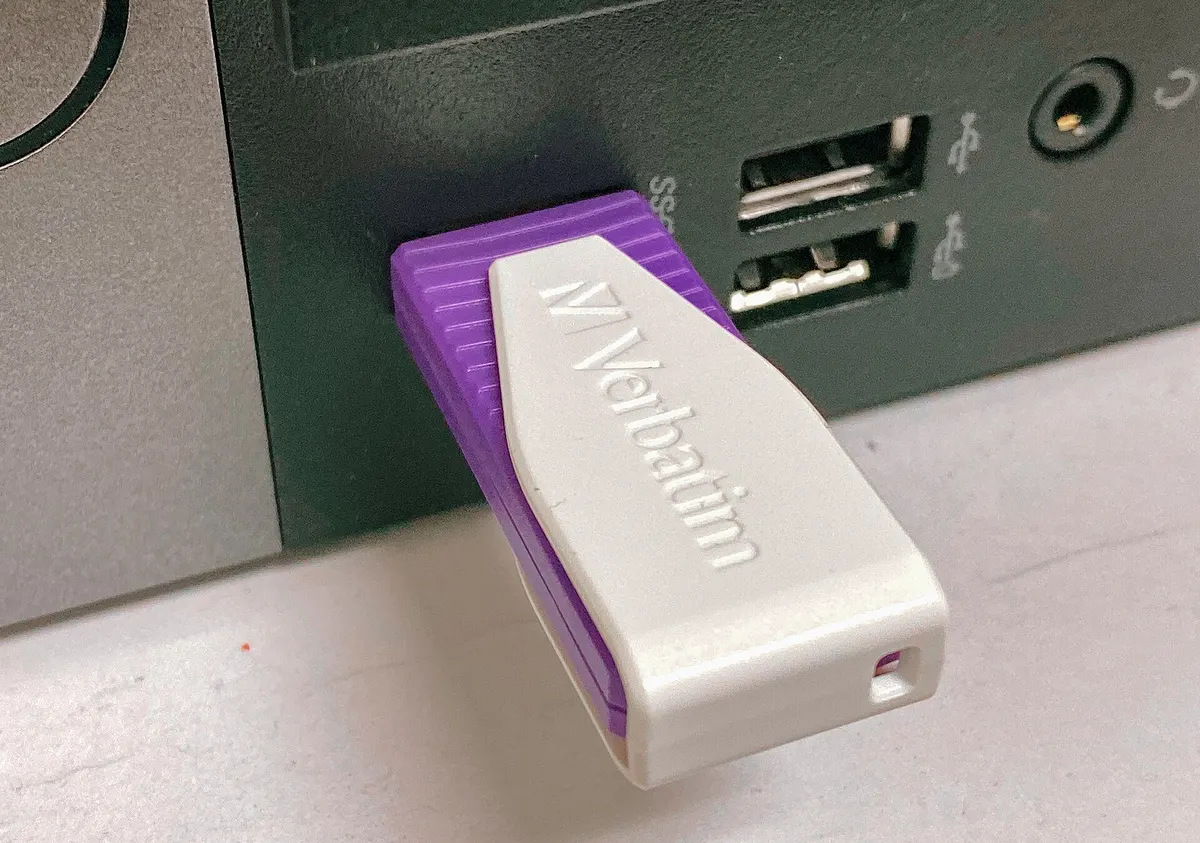
Microsoft provides free official downloads for Windows 11 disk images, which users can use to perform a clean install, set up a virtual machine, or create a bootable USB drive. While people are currently searching for guidance on creating installation media and avoiding flagged vulnerable Intel drivers, the available reports detail the proper steps for obtaining the operating system but do not contain information regarding Intel driver update issues.
What happened
The official Windows 11 ISO download gives users the 64-bit disk image needed for a clean install or bootable USB. Users can choose between the multi-edition x64 image for most Intel and AMD processors and the separate Arm64 ISO for Snapdragon and other compatible Windows on Arm devices. The multi-edition x64 download includes Windows 11 Pro, and the appropriate edition is activated automatically based on the user's product key or digital licence. Generated download links remain valid for 24 hours. To create the installation media, users can rely on the official Media Creation Tool or third-party utilities like Rufus. Alternatively, users upgrading an eligible Windows 10 x64 PC can run the Installation Assistant as an administrator after checking hardware compatibility.
Why it matters
Choosing official sources for operating system images protects users from security risks. The reports advise avoiding random third-party mirror sites found in search results because users are about to trust this operating system image with their entire computer. Furthermore, attempting to bypass hardware checks on unsupported PCs leaves devices vulnerable to compatibility problems and means they are not guaranteed to receive future updates, including critical security patches.
What to know
Before making any changes to an existing computer, users must verify that their processor, TPM 2.0, Secure Boot capability, memory, and storage meet the strict Windows 11 hardware requirements. Backing up important files before starting the upgrade or installation process is strongly recommended. Regarding the separate user concern about Intel driver update issues, the provided reports do not address or mention vulnerable drivers.
Key takeaways
- The official Windows 11 ISO download is available for free directly from Microsoft for clean installs and bootable USB drives.
- Users can choose the multi-edition x64 image for standard processors or the Arm64 ISO for compatible Windows on Arm devices.
- The Media Creation Tool simplifies the process by handling media setup and creating a bootable USB installer directly.
- Upgrading unsupported PCs through workarounds can lead to compatibility problems and a lack of guaranteed security updates.